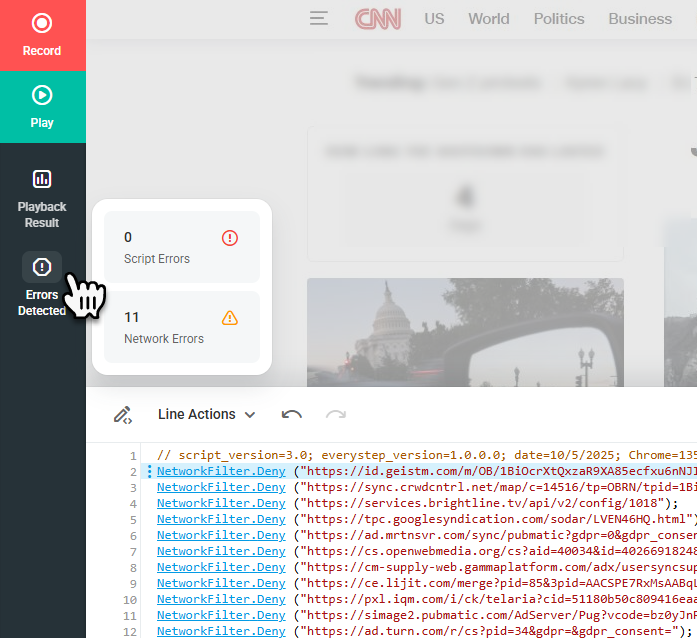
During playback, if the script encounters unreachable URLs, the EveryStep Web Recorder will prompt you to ignore those problematic URLs in future monitoring runs. If playback detects unreachable objects—such as an HTTP 500 Internal Server Error, HTTP 512, or 404 Not Found—you can select the relevant checkboxes and click Ignore to filter out those elements.
This action prevents the selected errors from affecting script playback and functions the same way as manually adding filters for these objects to the script through the Network Filter option.
Example:
NetworkFilter.Deny (“https://www.example.com/FilteredOutElement.ttf“);
The Errors Detected summary, shown when hovering over it, provides general information about all network-related errors found during script playback. To view a detailed list of these errors after playback, click the Errors Detected button.