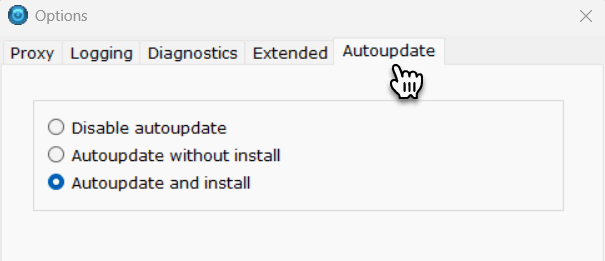
If you have automatic updates disabled for your On-Site Agent, you can manually update your agent to the latest version in the On-Site Agent app on your machine:
- Start the On-Site Agent app from c:\Program Files\Dotcom-Monitor\On-site Agent\.
- In the Select startup mode drop-down, select Version Updater and click Begin.
If a newer version of On-Site Agent is available, it will be installed on your machine.