
If you want to remove a load test report from the recent Test Reports list—for example, if it’s no longer relevant to your load testing objectives—you can archive it.
To do so, open the report and select Actions > Archive.
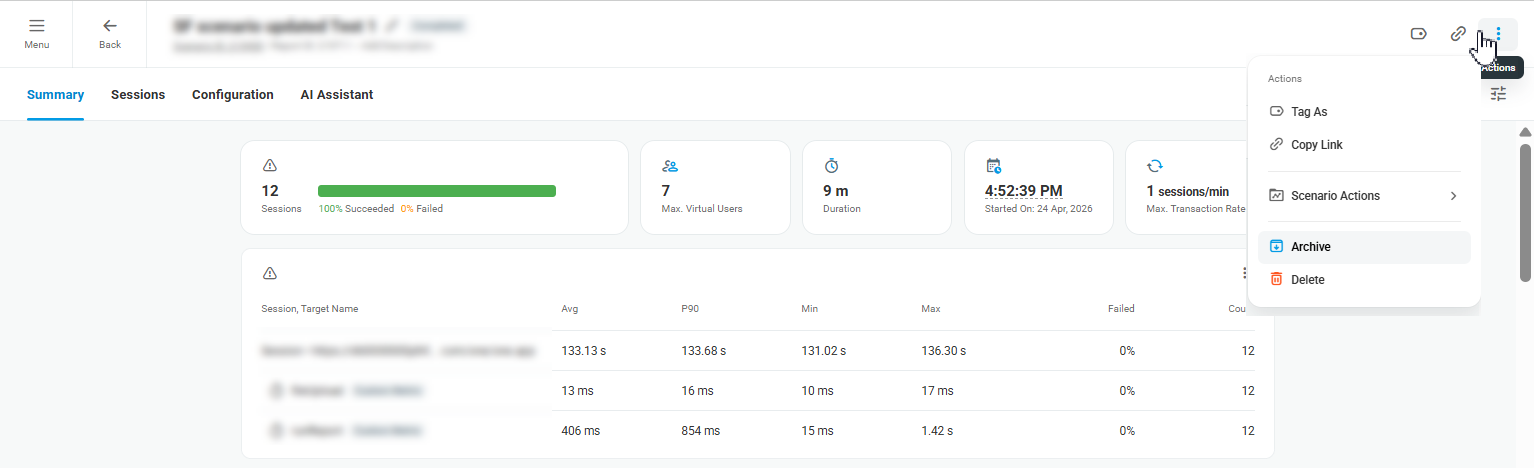
Alternatively, from the Test Reports list under the Reports menu, select the report and choose Archive from the report actions menu.
To view archived reports, open the Filters panel on the Test Reports page and enable Include Archived. The archived reports will then be displayed in the report list.
