
Device Overview Report for a certain device can be generated under Reports > Device Overview or from a device actions menu.
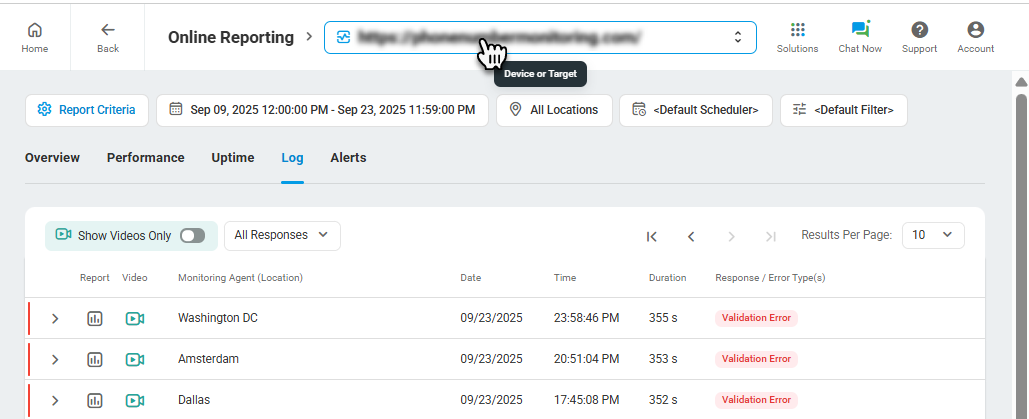
On the report’s page, you will be able to define the following report criteria:
- Report Period. The dates which the data displayed on the report will begin and end.
- Monitoring Agent. Locations which data is necessary to include to the report. Monitoring data received from all locations will be shown by default.
- Response Filter. Defines whether a filter will be applied to the result set.
- Schedule. Defines whether to apply a schedule to the result set.
To show report data for another device, select the device from the device selection list.
See also: Using Device Overview Reports.