FTP Monitoring Tools for Servers & Files
ensure seamless file transfers
Enhanced FTP Monitoring Protocols
Comprehensive FTP Monitoring Capabilities
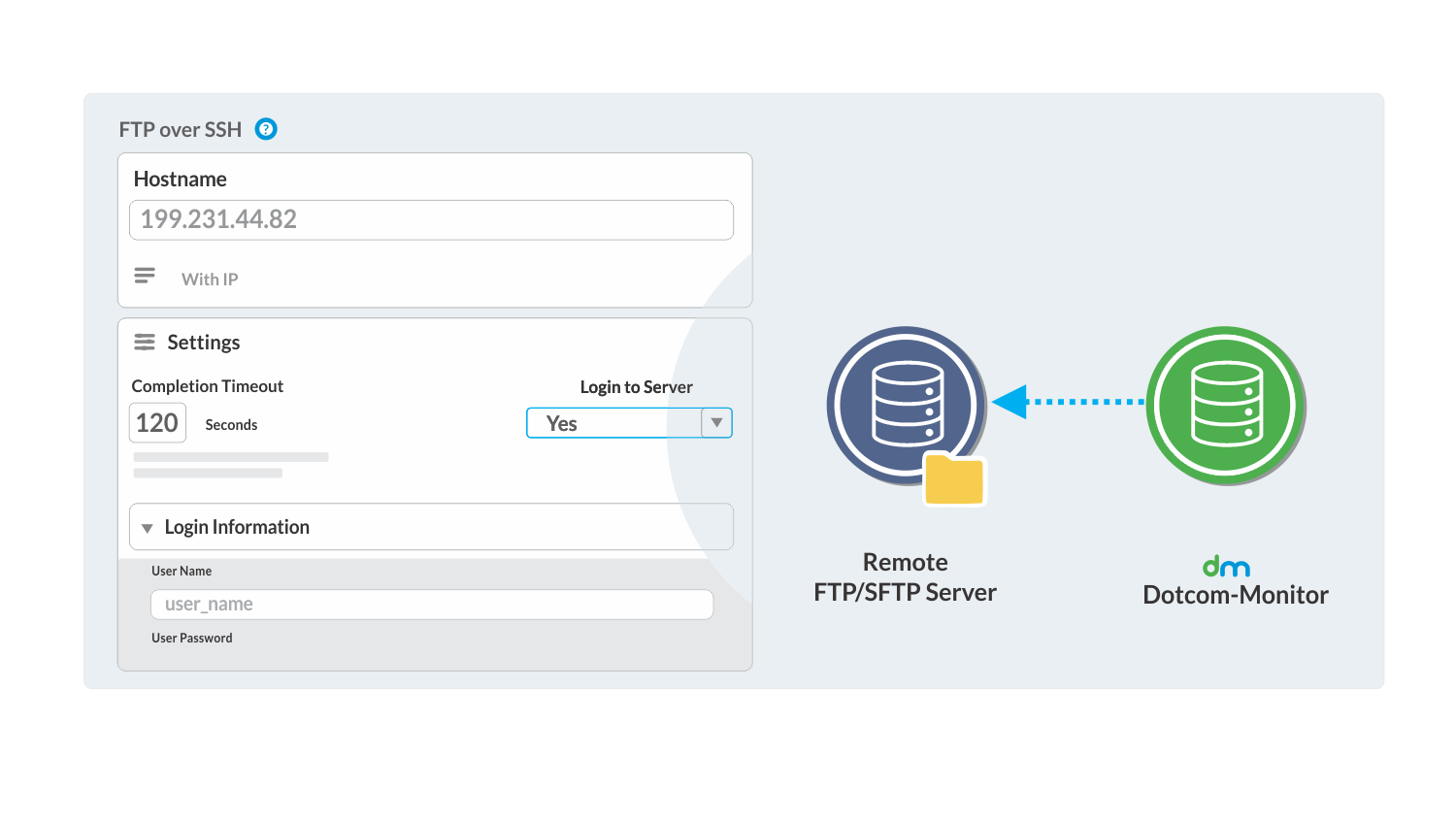
Monitor FTP Over SSH: Ensure secure FTP operations with the tunneling of sessions.
Verify Server Availability: Efficiently manage resources across multiple departments.
Test Logins Using Credentials: Uphold security with login tests.
Execute a Directory-Listing Command: Ensure seamless access to directories.

Key FTP Monitoring Features

Keep track of crucial files.

Track key performance metrics like transfer rate.

Stay ahead with real-time notifications.

Visualize FTP performance with intuitive visuals.
Achieve Uninterrupted File Transfers with Dotcom-Monitor's FTP Monitoring
FTP Monitoring for Modern Digital Platforms
What Our Customers Say
4.5
83 reviews
4.6
4.6
All reviews sourced from Capterra verified reviews. Ratings as of August 2026.
FTP Monitoring—Frequently Asked Questions
Below are some of the most common questions about email server monitoring. If you have additional questions, feel free to contact us.
FTP monitoring is a type of file transfer protocol monitoring that is performed to verify constant and continuous availability and responsiveness of FTP servers and systems. The main purpose of an FTP monitoring tool is to track file changes in real-time, along with various connection time metrics and statistics.
FTP monitoring is a critical part of ensuring that various servers and files that businesses depend on are performing correctly. By proactively monitoring the number of issues and server anomalies, businesses can reduce the number of errors in their file systems and improve key metrics that influence web and server performance. FTP monitoring also reduces downtime and helps troubleshoot related issues using Dotcom-Monitor’s patented alerting system.
Dotcom-Monitor’s proprietary applications test the availability of various FTP services in your system by moving files across servers and using metrics like file transfer rate, response time, transaction rate, TCP handshake time, and other data to paint a picture of your system’s overall performance. With Dotcom-Monitor, you don’t have to worry about the small details—simply configure your tests and let the data pour in. From there, you can analyze the data and optimize your system. And of course, Dotcom-Monitor support is here to help if you need any assistance with your FTP monitoring task configuration or have other questions.
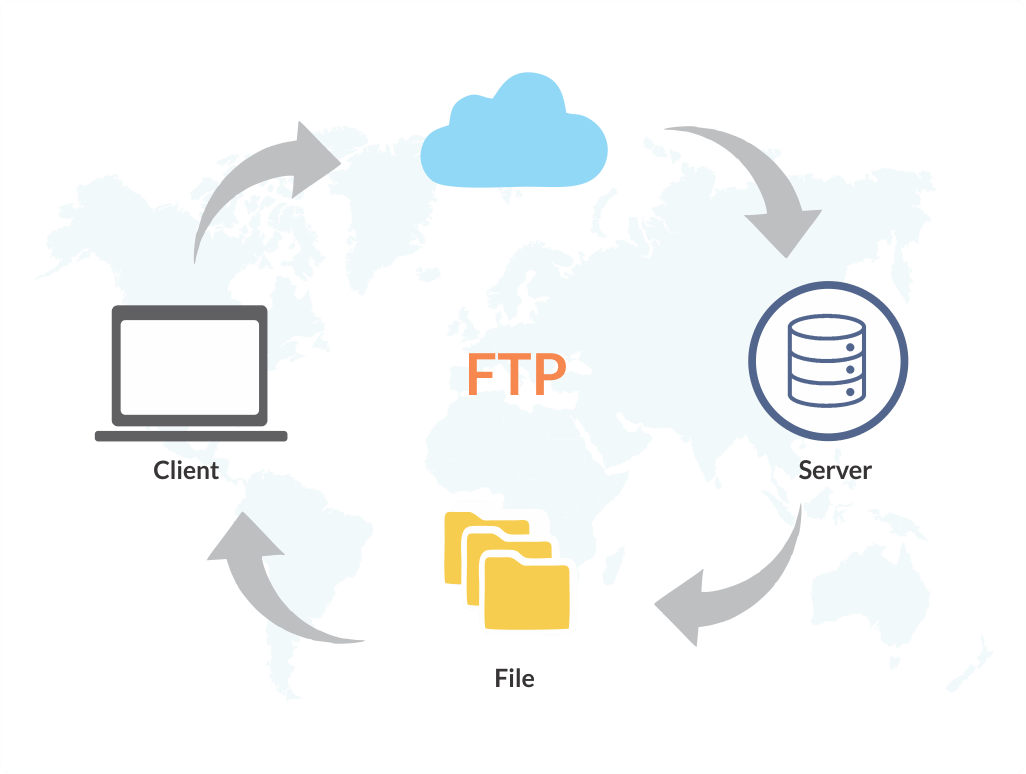
FTP server monitoring is a complex process that works by downloading and uploading files across your network/server and tracking the metrics mentioned above associated with these uploads and downloads. If your FTP server is unavailable, Dotcom-Monitor’s system records this data and notifies you so that you can take action and remedy the root cause.
While there are a variety of free FTP monitoring tools available for the public to use (most of which are open source), generally speaking, they are far inferior to paid solutions like Dotcom-Monitor. Free tools only allow one-off testing, and don’t provide the same type of robust, real-time alerting needed to manage FTP issues at the enterprise level. If you’re a small to large company looking for the best, most proactive and vigilant FTP monitoring tool, look no further than Dotcom-Monitor. Also—Dotcom-Monitor offers a free trial with all new accounts, so you have the opportunity to try our FTP monitoring service before committing to any type of purchase.
Most FTP Monitoring solutions (Dotcom-Monitor’s included) monitor FTP traffic—and without the ability to monitoring traffic, you can’t gather the data necessary to understand the health of an FTP system. So, yes, you should be monitoring FTP traffic. You should also be using an FTP monitoring tool that provides you with alerts so you know when there’s an issue with your FTP server or file system. Dotcom-Monitor’s FTP alerting system provides you with real-time SMS, phone, and email alerting so you can know instantly when issues occur.
Our detailed monitoring solutions, combined with immediate insights, widespread coverage, and instant alerts, establish our platform as the go-to choice for businesses prioritizing seamless file transfers.