Traceroute Monitoring: Pinpoint Network Issues with Advanced Traceroute Analysis
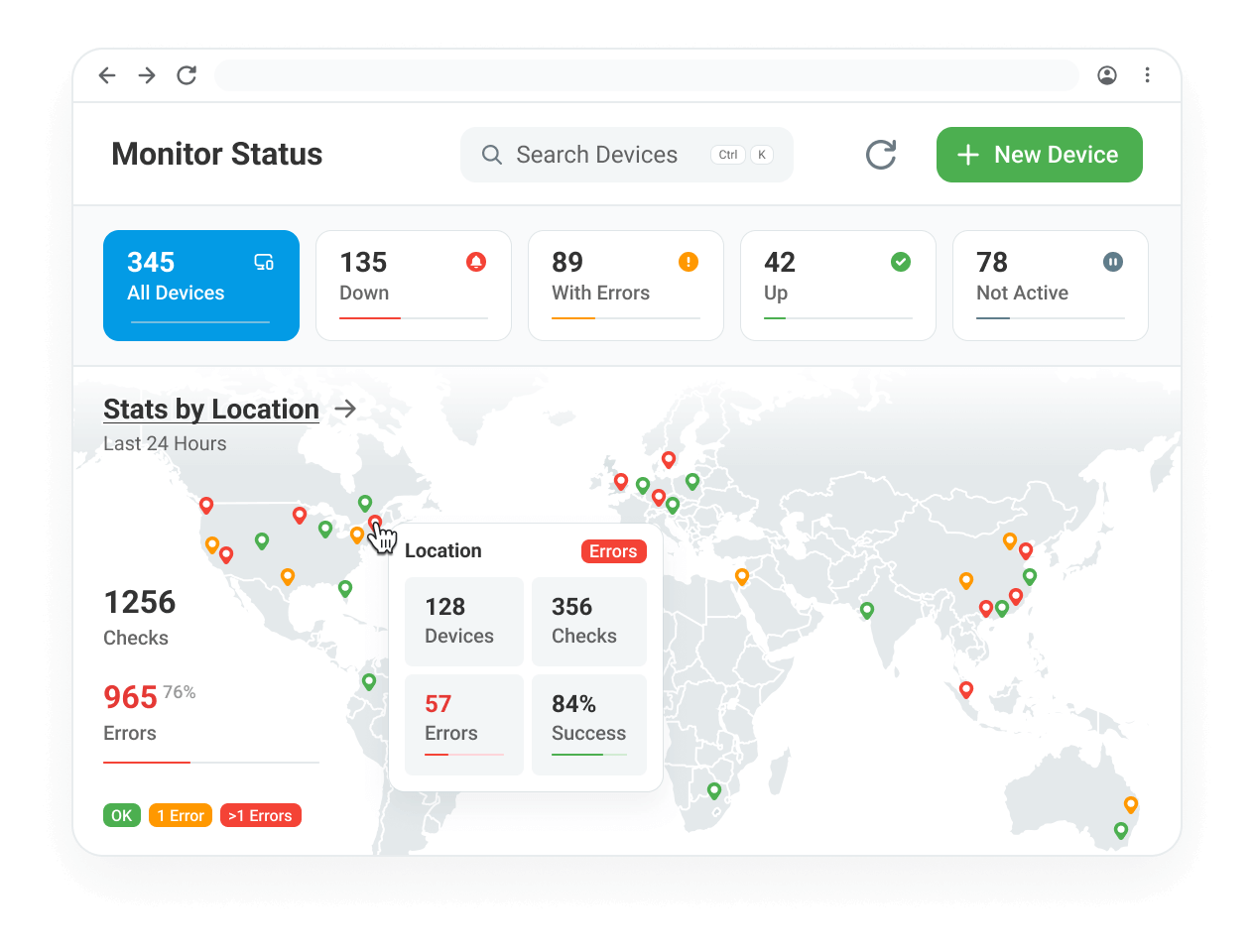
Proactive Network Route Analysis

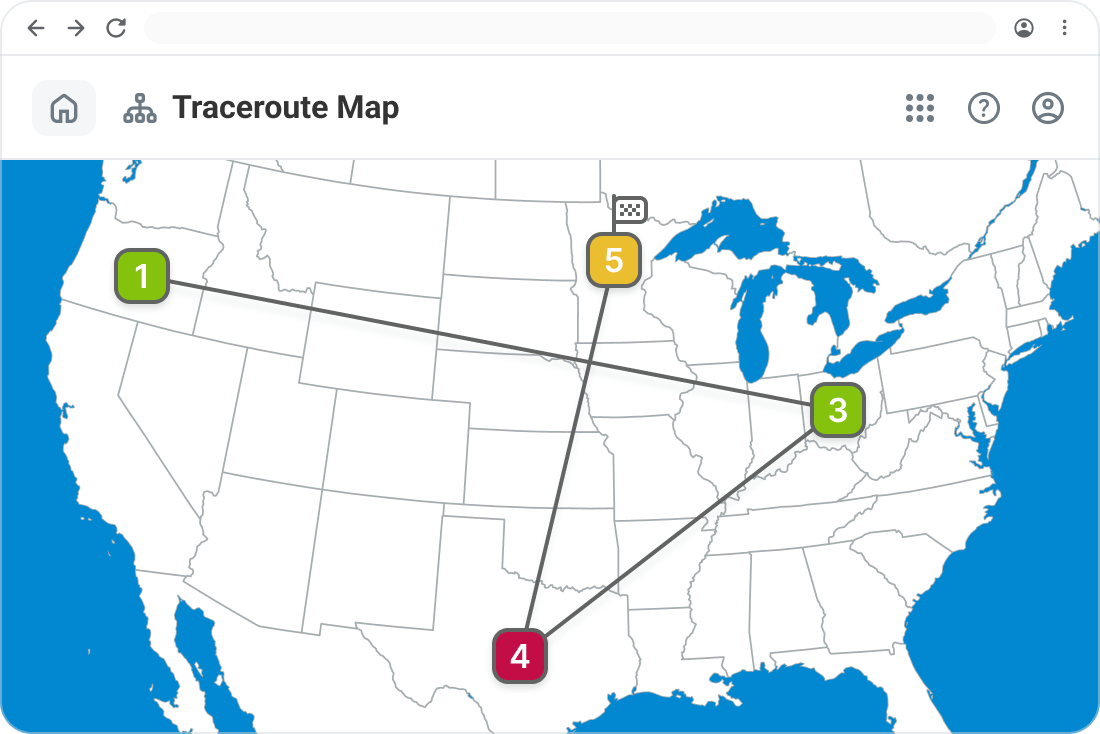
See every hop and IP address along your packet’s route with an intuitive map-based interface.

Receive instant notifications when anomalies, packet loss, or slowdowns occur along the network path.

Detect problematic network nodes causing performance degradation for your customers.
How It Works
Automatic Network Traceroute Execution
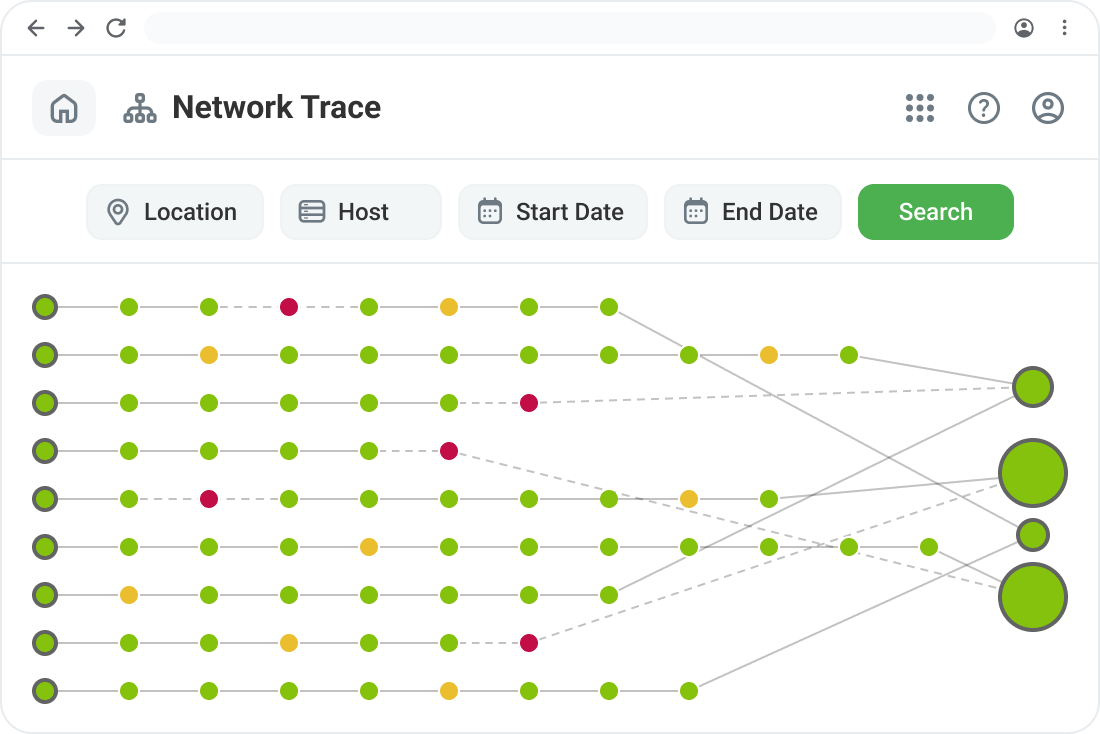
Our monitoring agents run a network traceroute at scheduled intervals to track routing performance. Additionally, when a network error is detected, a traceroute is triggered to provide real-time diagnostic data for troubleshooting. This ensures you always have relevant network path insights at your fingertips.
- 30-hop visualization of network routes.
- Color-coded performance indicators (green for normal, yellow for packet loss, red for failed hops).
- Detailed node information, including hostname, IP, min/max/average response times, and errors.
Visual Traceroute: Gain Clear Network Insights
Traditional traceroutes provide raw data, but Dotcom-Monitor’s Visual Traceroute enhances troubleshooting with graphical representations of network paths.
- Map View: Understand packet flow and pinpoint trouble spots geographically.
- Historical Data: Compare past traceroutes to identify ongoing and historical routing issues.
- Customizable Monitoring Locations: Test connectivity from different regions to see how users reach your network and services globally.

Use Cases: Why You Need Traceroute Monitoring
Network engineers, IT administrators, and website owners rely on Traceroute Monitoring to:
- Diagnose slow website or application performance caused by network latency.
- Identify ISP routing issues affecting customer experience.
- Monitor multi-cloud network performance to detect misconfigurations.
- Troubleshoot firewall, VPN, and internal network path issues.

Key Features at a Glance

Triggered when performance issues arise.

Monitor routing from multiple regions.

Instantly recognize problem areas.

Gain deep visibility into network routing paths, hop-by-hop performance, and packet loss detection.

Easily interpret and diagnose routing issues.

Get notified when network conditions change.
Trusted by Businesses Around the World
4.5
83 reviews
4.6
4.6
All reviews sourced from Capterra verified reviews. Ratings as of August 2026.
Frequently Asked Questions
Below are some of the most common questions about traceroute monitoring. If you have additional questions, feel free to contact us.
Traceroute Monitoring is a network diagnostic tool that tracks the journey of data packets across the internet, identifying where slowdowns, packet loss, or failures occur. Dotcom-Monitor’s Visual Traceroute provides a graphical representation of these paths, making troubleshooting fast and efficient.
Unlike traditional traceroute tools, Visual Traceroute presents network paths in a map-based interface with color-coded indicators. This allows IT teams to quickly pinpoint problem areas, analyze historical trends, and troubleshoot network issues effectively.
Yes! Dotcom-Monitor enables traceroute tests from multiple global locations, allowing you to see how network routes vary by region and helping you detect location-specific routing issues.
Traceroutes are run at scheduled intervals, configurable from every 1 minute to every 3 hours, allowing you to tailor monitoring to your specific needs.