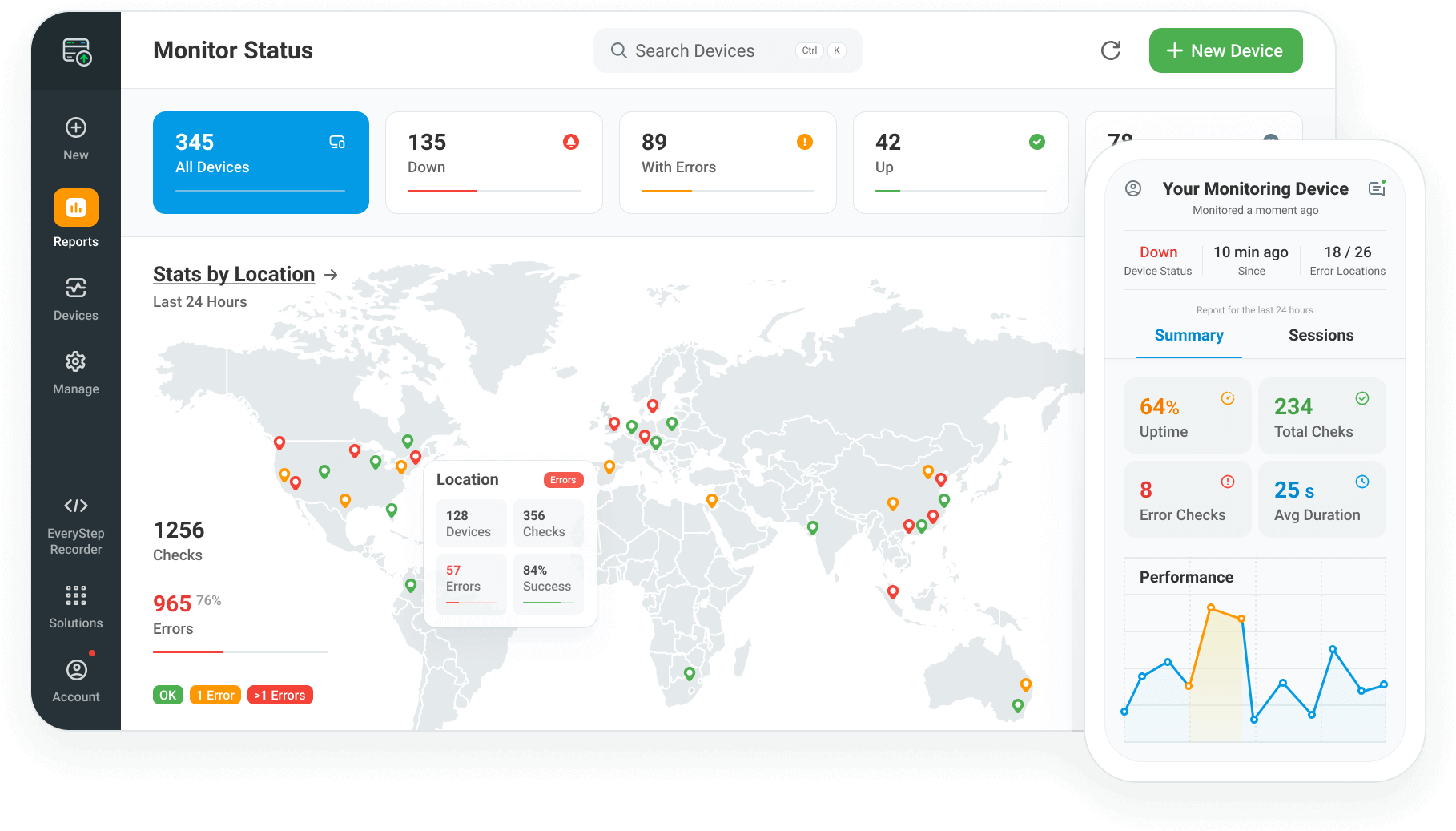
The ServerView Monitoring™ platform monitors the uptime and performance status of servers, networks, and applications - ensuring a business's Internet assets are available and functioning optimally.
Dotcom-Monitor® has monitoring agents positioned worldwide, covering the major Internet backbones. These worldwide monitoring agents each independently monitor a business' Internet assets (ex. website, web server, video stream, DNS server etc...) at a frequency established by the account owner, such as once per 1-minute, 3, 5, 10, or 15-minutes etc... If the performance or functionality of any monitored asset falls outside of specific parameters specified by the account user an error condition is triggered. Once an error is triggered, an alert is immediately sent via several options, including: email, SMS, phone, pager, SNMP trap, or email to phone. The alert process also includes the automatic emailing of a website snapshot and a network trace route for help in diagnostics and troubleshooting to minimize downtime. Finally, extensive reporting options, including: email, real-time, online, raw data feeds, and interactive drill-downs are available for presentations, diagnostics purposes, and Service Level Agreement (SLA) management. When an account is set up and monitoring tasks are added monitoring services begin immediately.
Checks URLs for availability, performance, proper content, working certificates, and broken links. Supports POST and GET requests, client certificates, cookies, form submissions, custom headers, password secured sites, and timeout thresholds. Full-page Download option parses HTML into elements, measuring each for render time and availability.
Checks online transactions, such as: shopping carts, portals, banking applications, and online courses. Specifically useful when monitoring for server performance during a web application or transaction. Supports dynamic variables, cookies, and secure sites. The EveryStep™ Macro Recorder is provided to record and replay HTTP/HTTPS requests between a browser and the server. A custom data exchange process (not a regular browser) is used to record and replay these recorded steps. Monitoring agents replay the recorded transaction at a specified monitoring frequency, checking each step for availability, performance, and proper content. (NOTE: For websites with significant JavaScript or Ajax, or for "user experience" transaction monitoring, the browser-based UserView Monitoring™ Web Application Monitoring service is recommended.)
Checks mail servers running SMTP, POP3, and IMAP services for functionality, availability, and performance. Mail servers are tested independently, or in a full-cycle mail check (sending an email to a mailbox using SMTP, then retrieving the email using IMAP or POP3). Processes for inbound mail and internal mail servers are checked, including the time it takes for the server to process incoming mail.
DNS servers are tested by querying a specified server in order to resolve a specific internet address. If the DNS server is unable to resolve the address, or unavailable, the Dotcom-Monitor® notification process starts. Domain Name Servers (DNS) are used to translate domain names to IP addresses. If the DNS server supporting an organization is down or slow, multiple services, such as: mail servers, websites, or proxy servers may be unavailable to the outside world.
The Ping command sends an ICMP echo request to a target name or IP address, in order to verify IP-level connectivity. This is useful for ensuring the integrity of routers, firewalls, and many other Internet appliance devices.
Dotcom-Monitor agents attempt a connection with a specific port on a server using a TCP or a UDP protocol to determine if the remote computer is accepting connections on that port. If the connection is not accepted, then the service is likely down and the alert process starts. This is similar to a Telnet application.
Dotcom-Monitor® agents replicate one or more end-client requests and monitor Web Services for availability and proper content. SOAP is a lightweight XML-based protocol for the exchange of information in a decentralized, distributed environment. SOAP consists of three parts: an envelope that defines a framework for describing what is in a message and how to process it, a set of encoding rules for expressing instances of application-defined data types, and a convention for representing remote procedure calls and responses.
Dotcom-Monitor® monitors VoIP services using SIP acting as an end client, placing an actual telephone call to a specified number and checking the results of that call. To accomplish this, Dotcom-Monitor® is provisioned as either an extension, or a client, on the VoIP system and configured to call a specific number using a specified SIP server. The expected result of the call is setup as "Answer", "No Answer", "Busy", or an Error Condition (if there is an unexpected result).
This service attempts to connect to a specified FTP server, then using a user name and password provided logs into the FTP server and issues a directory-listing command for a specific directory. Finally, after the contents of the directory are listed the FTP Monitoring Service checks that directory for specific files.
Checks video stream performance and availability, similar to a Windows Media Player. Ensures a connection to the media server can be made, performs buffering and plays the stream for 3-5 seconds, then disconnects. The service monitors most streams that can be played using Windows Media Player. Measures performance metrics, including: Connection Time, Buffering Time, Packages Received, Buffering Packages, Frame Rate, and Average Bytes/Sec.
A behind-the-firewall version of ServerView Monitoring™ services that is downloaded and set-up within a network in order to monitor devices not visible from outside the network.