DOTCOM-MONITOR
provides you with an advanced alert system with both automated and
manual processes for contacting people who need to know when there
is a problem with your website or network.
You customize DOTCOM-MONITOR
notification to fit your needs.
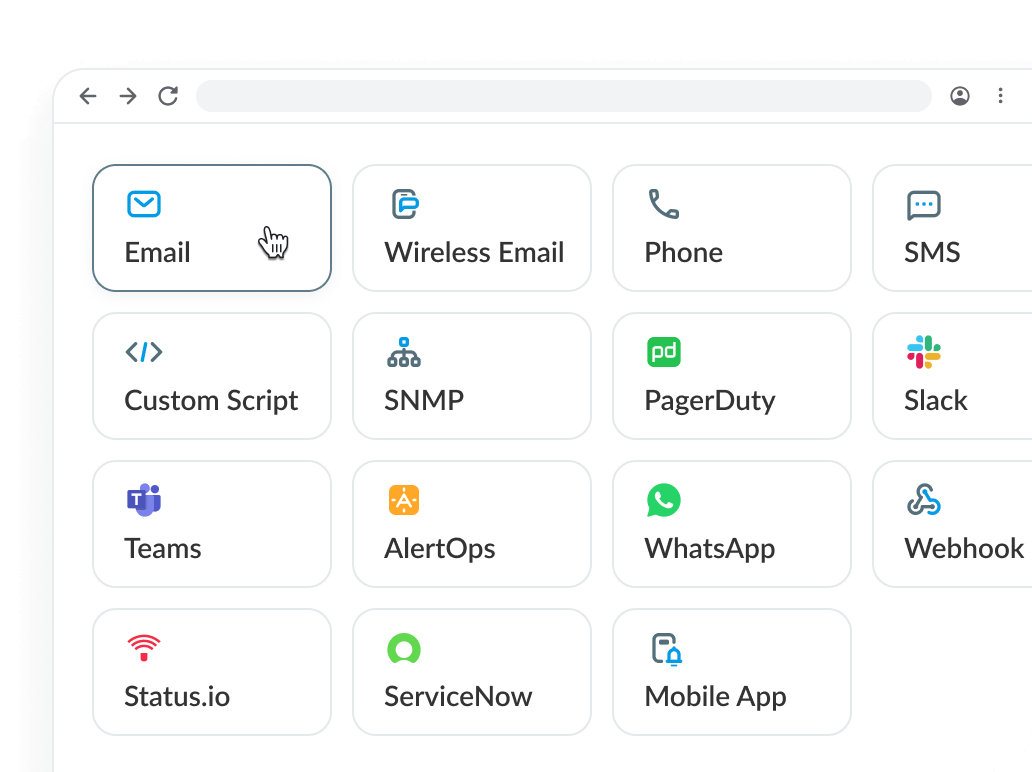
Dotcom-Monitor provides different levels
of notification, including:
|
|
 |
Email |
An e-mail that contains detailed information about the monitored device, task name, monitoring location, error code, and error description.
Click
here for an example. |
 |
 |
SMS |
Our Short Messaging
Service currently supports over 300 networks in 118
countries. SMS messages deliver detailed information
immediately to your wireless device. |
|
 |
|
 |
Wireless Email |
Specially formatted to fit an 80-character
message onto your cell phone or pager.
Message provides basic error information, such: device name, monitoring location, error code and short error description.
Click
here for an example. |
 |
 |
Numeric Pager |
Sends custom numeric
messages to the specified digital pager. Numeric
messages can also be customized per device, for predetermined website monitoring results.
|
|
 |
|
 |
Regular Phone |
You will receive a phone call
from a computerized voice system speaking the "error
message" to you. The system can determine between a live
person and an answering machine. In case of an answering machine
the system will leave a message about the error.
Click
here for an example of what you will hear. |
 |
 |
Custom script notifications |
If you need specialized
notification options, such as creating "problem
tickets" in your help desk system or specially formatted
e-mail, these can be accomplished using our customizable alert
scripts.
Contact
technical support for more details. |
|
 |
|
|
 |
Group Notification |
It's easy to create your own notification groups using various
message formats, including: multiple e-mails, wireless device
e-mail addresses, phones, numeric pagers and SMS devices.
With the one-step interface you can easily add groups to
your monitored devices.
Click
here for screenshot example |
 |
 |
Notify only if error occurred
in more than one location |
This feature starts the notification process only after a problem is detected by more then one website monitoring agent. This prevents messages related to intermediate Internet network problems from being sent. |
|
 |
|
 |
Set notification time |
|
 |
 |
Number of errors in the row before first
notification |
This option sets up the number of detected
errors-in-a-row that are needed before the notification process
starts. |
|
 |
|
 |
Escalation |
This option notifies different groups
based on how much downtime has occurred. It allows you to
create escalating support levels using Dotcom-Monitor. For
example, you can notify Tier-1 support immediately after
30 seconds of downtime, Tier-2 support after 20 minutes
of downtime, and Tier-3 support after 45 minutes of downtime.
Click
here for screenshot. |
 |
 |
Number of minutes between notifications |
This feature insures fewer redundant
notifications. You can set up how often you prefer to receive
error notification by different messaging formats — phone,
e-mail, etc. — for each device and each error. For example,
you can set-up receipt of an "every instance" e-mail
notification for a specific error, but set-up receipt of a
"once-per-hour" phone message for that same error. |
|
 |
|
 |
Uptime Alert |
Sends an "Uptime Alert" message
after Dotcom-Monitor detects that a problem is corrected. |
 |
 |
SNMP Alert |
The SNMP Alert sends an SNMP trap to an SNMP management console or server. This option allows integrating Dotcom-Monitor alerts directly into IT management system allowing alerts from our monitoring service to be treated and routed as any other alert within enterprise. |
|
 |
|
|