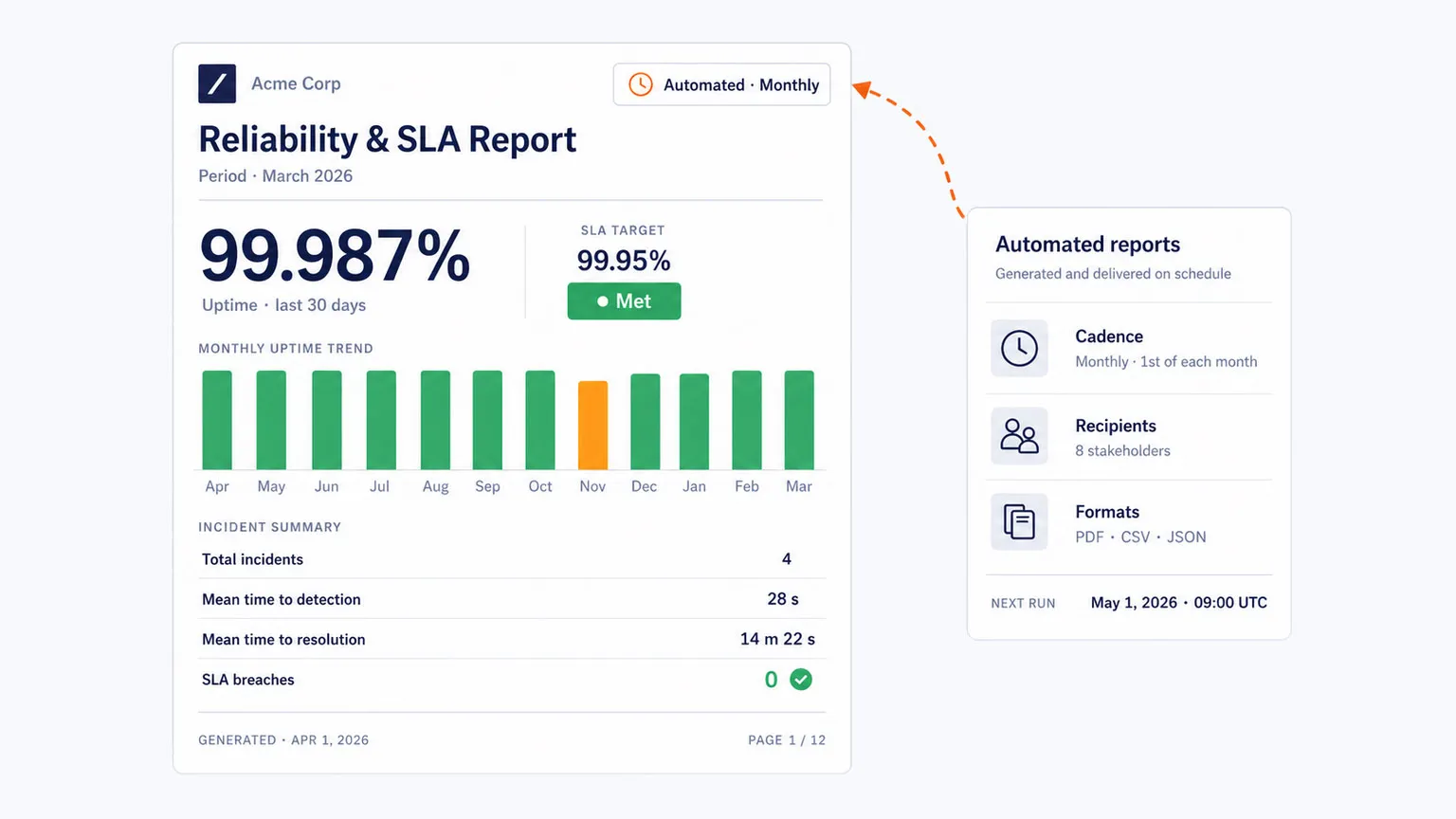
In today’s digital world, the performance of websites and apps has a direct effect on sales, customer satisfaction, and brand reputation. Synthetic performance monitoring provides the proactive intelligence needed to ensure your application is always performing optimally. By simulating real user interactions from global locations before issues affect actual users, you transform from reactive problem-solving to proactive performance excellence.
A successful synthetic monitoring implementation follows a structured approach that includes planning, scripting, configuration, and ongoing optimization, ensuring proactive issue detection and a consistently reliable user experience.
Section 1: Planning Your Synthetic Monitoring Strategy
Define Clear Objectives and Scope
Your monitoring strategy must align with business outcomes. Begin by mapping digital transactions that directly impact key metrics.
Identify critical user journeys:
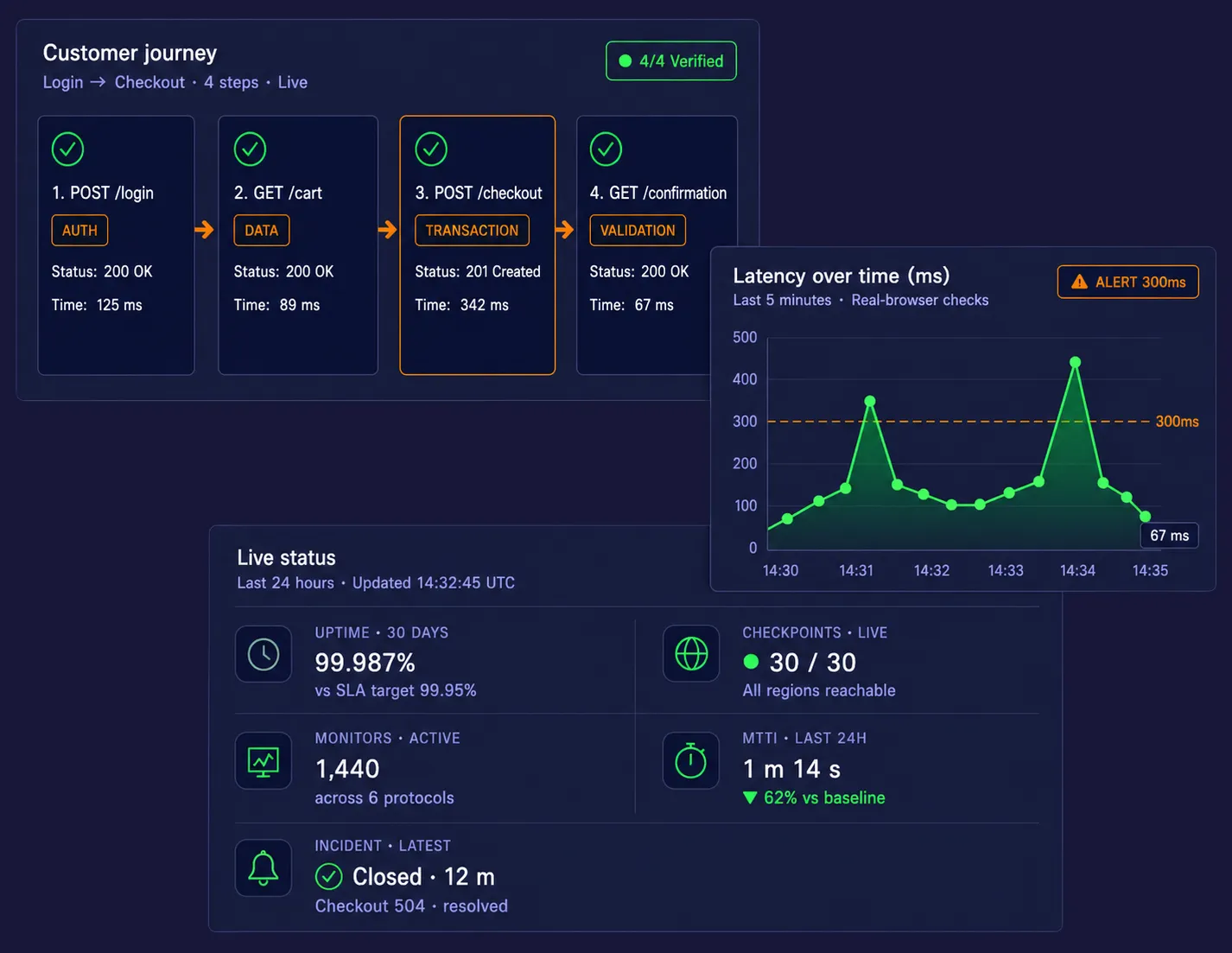
Identify and prioritize the user journeys that directly drive revenue, such as logging in, searching products, adding items to the cart, and completing the checkout process.
Determine Key Performance Indicators (KPIs):
Define clear, measurable metrics to monitor performance, including page load times, transaction completion durations, and error rates.
Set performance baselines and thresholds:
Set clear performance thresholds for your critical user journeys so you can quickly identify when performance deviates and an issue arises.
Select Strategic Monitoring Locations and Frequency.
Geography affects performance. Your synthetic monitoring locations should reflect both your user base and your infrastructure.
Infrastructure-Proximity Locations:
Choose monitoring locations that align with your actual user base to uncover regional latency or CDN issues.
Customer-Centric Locations:
Choose monitoring locations that align with your actual user base to uncover regional latency or CDN issues.
Determine testing frequency:
Prioritize high-priority transactions to run more frequently (e.g., every five minutes), while lower-priority ones might run hourly.
Create Realistic Monitoring Scripts
Mimic user behavior:
Develop scripts that simulate real user interactions, including typical pauses and varying input data, to avoid cache issues and false positives.
Use robust scripting:
Employ resilient selectors (e.g., data attributes instead of auto-generated IDs) to make scripts adaptable to application changes and prevent fragility.
Cover various scenarios:
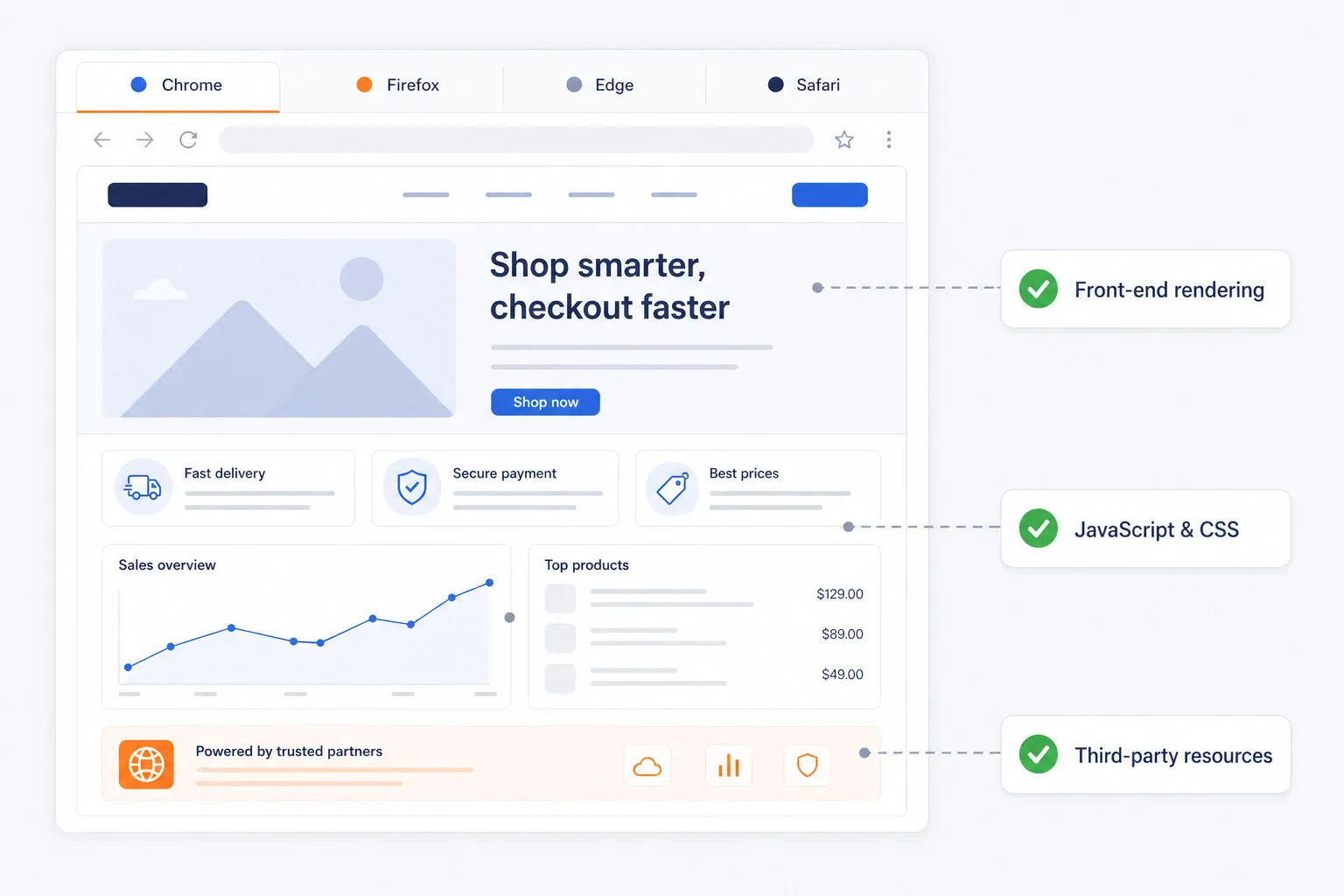
Design tests to run across different browsers, devices, and network conditions (e.g., mobile networks) to ensure compatibility.
Ready to build your Foundation?
Discover how Dotcom-Monitor’s platform provides the flexible scripting and global node network needed to map complex user journeys from anywhere in the world.
Explore Synthetic Monitoring software
Section 2: Execution – Configuration & Tool Selection
Set Up Alerting and Reporting Mechanisms
Avoid alert fatigue by configuring thresholds that reflect business impact, not just technical anomalies.
Configure proactive alerts:
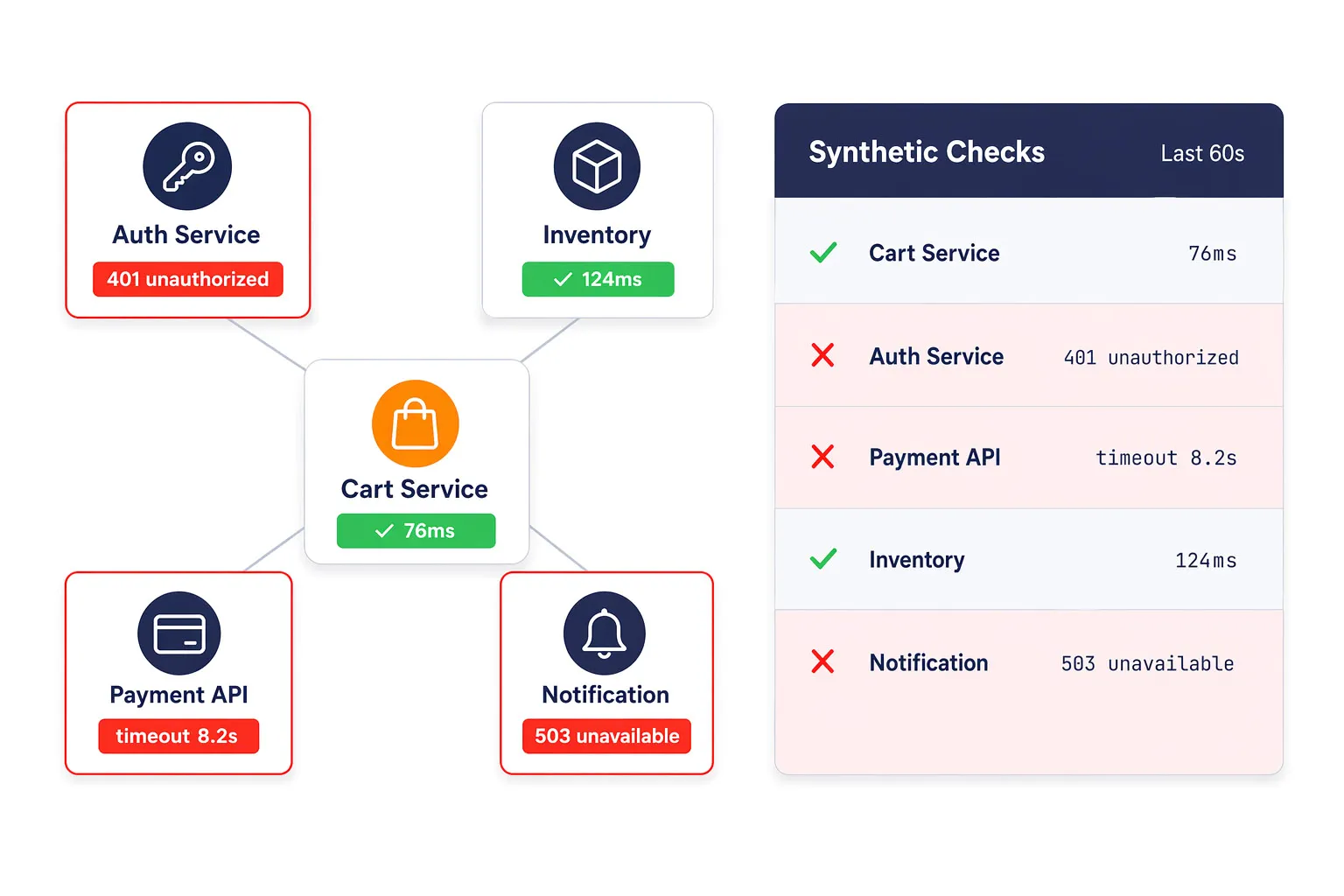
Define alert conditions (e.g., multiple consecutive failures) and set up notification channels (email, SMS, Slack, PagerDuty) to ensure the right teams are notified immediately of performance issues.
Content Validation Alerts:
Alerts for missing page elements, broken images, or unexpected text that indicates a faulty deployment.
Create dashboards and reports:
Visualize the collected data in dashboards to track performance trends, identify recurring issues, and report insights to stakeholders.
Choose the Right Synthetic Monitoring Software
Selecting among the best synthetic monitoring tools requires evaluating key capabilities against your blueprint:
- Scripting Fidelity: Can it handle complex, multi-step transactions with dynamic content, JavaScript-heavy applications, and secure logins?
- Global Node Network: Does it offer true geographic diversity with reliable, consistent nodes?
- Multi-Protocol Support: Does it monitor beyond HTTP/HTTPS (APIs, DNS, FTP, email)?
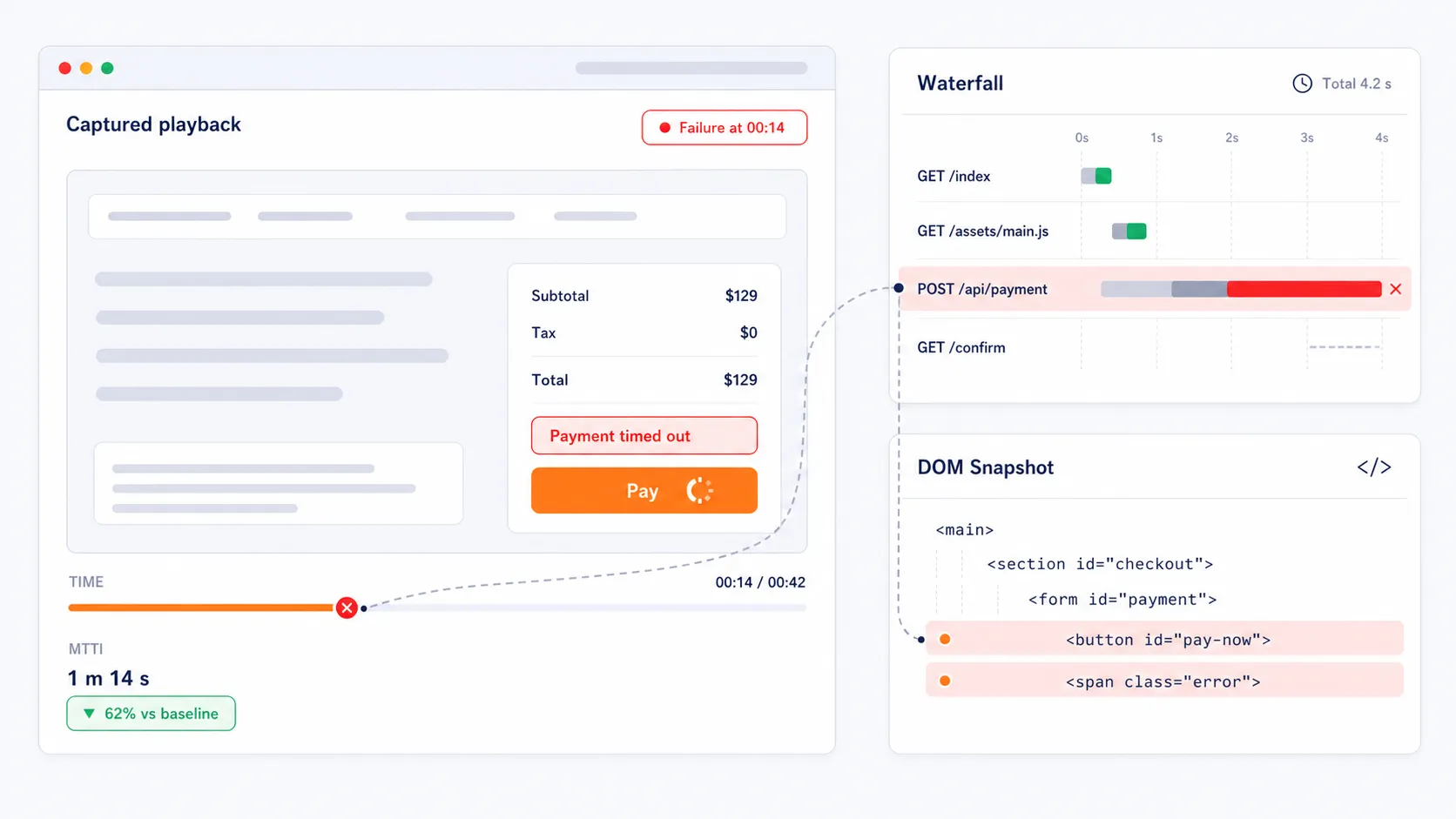
- Diagnostic Depth: Does it provide waterfall charts, performance videos, traceroutes, and code-level diagnostics for rapid root cause analysis?
Integration Ecosystem: Can it plug into your existing workflow (Slack, Teams, ServiceNow, PagerDuty)?
Master the Execution Phase
Learn how to integrate synthetic monitoring into a holistic performance strategy that drives business results. Our detailed guide covers advanced configuration and strategic insights.
Read the web synthetic monitoring guide
Section 3: Optimization – Implementation & Continuous Improvement
Implement with a Phased Approach
- Staging Phase: Test and refine all monitoring scripts and alerts in a staging or pre-production environment.
- Production Launch: Deploy monitoring for your core 3-5 critical journeys.
- Review & Analyze: Schedule weekly reviews of performance trends and alert root causes.
- Expand Iteratively: Use gathered insights to optimize applications and gradually add more user journeys and monitoring scenarios.
Establish a Review & Optimization Cycle.
Synthetic monitoring implementation is an ongoing process, not a one-time project.
- Weekly: Technical review of alerts, performance baselines, and script health.
- Monthly: Business review with stakeholders to ensure monitored journeys still align with goals and to report on performance KPIs.
- Quarterly: Strategy review to assess tool efficacy, explore new monitoring types (API, mobile), and adjust to changing business or infrastructure.
See the Results for Yourself
Put this blueprint into action. Start a free trial of Dotcom-Monitor and implement proactive synthetic monitoring in minutes—no credit card required.
Frequently Asked Questions
Absolutely. Modern synthetic monitoring software from leading providers like Dotcom-Monitor includes advanced scripting engines and recorders (like the Every Step Web Recorder) designed specifically for complexity. These tools can:
- Record and play back intricate multi-step user journeys.
- Securely handle logins using tokenization or credential management.
- Wait for and interact with dynamic content (AJAX, JavaScript frameworks).
- Validate specific content, elements, or response codes at each step.
This ensures you are monitoring the true user experience, not just basic page availability.