
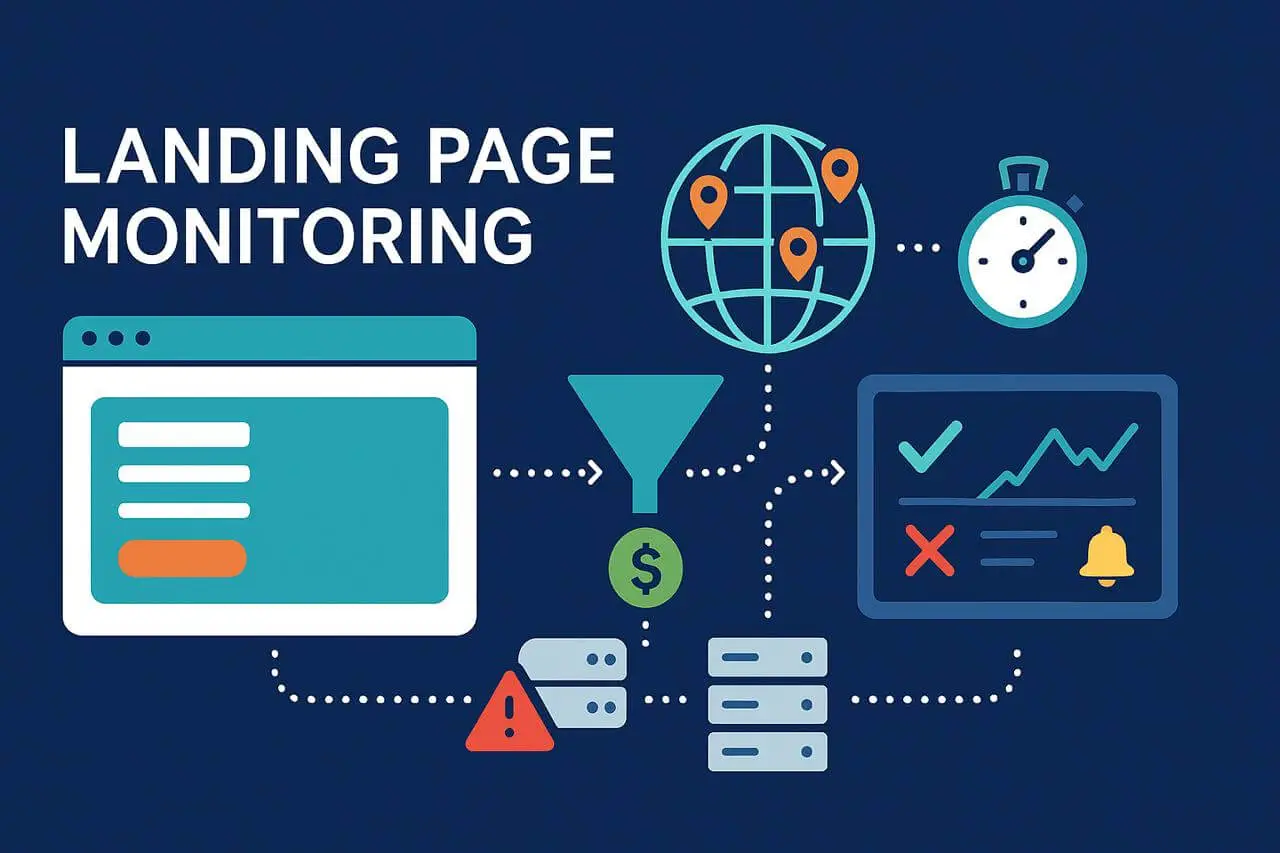
Landing pages are the most important part of modern marketing campaigns. These pages are not your homepage, product catalog, or blog. They’re the ones that turn traffic from ads, emails, and social media into sales or lose it. A good landing page can maximize your ad investment, while a bad one can waste a lot of money. You need to keep an eye on your landing pages to make sure your campaigns work.
You can quickly locate issues and make data-driven modifications by keeping an eye on real-time performance metrics like uptime, load speed, form functionality, and DNS Monitoring to catch resolution issues before clicks are wasted. Dotcom-Monitor is an example of a monitoring solution that lets you monitor full user workflows, keep track of activity on pages from different locations, and protect your ad spend and revenue.
This article discusses effective methods for monitoring landing pages, emphasizing the significance of reliability and the unique features of landing page monitoring. You’ll also learn the best tools and practices to keep your campaigns effective and get the most conversions.
What Is Landing Page Monitoring?
Landing page monitoring is the process of tracking and analyzing a landing page’s performance to ensure it achieves its goals. This includes monitoring key metrics such as conversion rate, bounce rate, and page load time; analyzing user behavior through data like scroll depth and session duration; and gathering feedback to identify areas for improvement. With these insights, you can make data-driven optimizations that enhance user experience and maximize campaign results.
Performance metrics
The first pillar of landing page monitoring is tracking performance metrics, also known as key performance indicators (KPIs). These crucial metrics show how your marketing efforts translate into landing page success and include:
Conversion Rate
The percentage of visitors who complete the desired action on the landing page, such as submitting a form, signing up for a newsletter, or making a purchase.
Bounce Rate
The percentage of visitors who leave your landing page without interacting or navigating to any other page, indicating engagement levels and potential areas for improvement.
Page Load Time
The total time it takes for your landing page to fully load, which directly impacts user experience, engagement, and conversion rates.
User behavior analysis
Observing how visitors interact with your landing page to understand engagement patterns. Tools such as heatmaps, scroll maps, and analytics platforms can track actions like clicks, scroll depth, and navigation behavior, helping you identify areas for improvement and optimize conversions.
Average Session Duration
The average amount of time visitors spend on your landing page, providing insights into engagement and how effectively the page retains users’ attention.
Scroll Depth
Measures how far visitors scroll down your landing page, helping you understand which content captures attention and where users lose interest.
Click-Through Rate (CTR)
The percentage of visitors who click on a specific element on your landing page, such as a button or link, indicating the effectiveness of your calls to action.
Feedback collection
Gathering direct user opinions to better understand their experience on your landing page. This can include surveys, polls, or user feedback forms, providing qualitative insights to complement performance metrics and guide data-driven optimizations.
Surveys and Forms
Collecting user feedback through surveys or forms to measure satisfaction, uncover pain points, and gather actionable insights for improving landing page performance.
Net Promoter Score (NPS)
Measures customer loyalty and satisfaction by asking users how likely they are to recommend your brand or landing page to others, helping you identify promoters, passives, and detractors.
Why Do You Have To Monitor Landing Pages?
Monitoring landing pages is essential to continuously improve their effectiveness, ensuring they support your business goals and provide a positive user experience. This ongoing process helps maximize ROI from both your landing pages and marketing campaigns.
The importance of analyzing landing page metrics includes:
Conversion Rate Optimization
Identify areas where visitors drop off and optimize elements to increase conversions.
User Experience Enhancement
Improve page speed, navigation, and content layout for a seamless experience.
User Behavior and Preferences Adjustment
Understand how visitors interact with the page to tailor content and offers.
Marketing Campaign Efficiency Measurement
Evaluate whether campaigns drive the intended results and adjust strategy.
A/B Testing Improvement
Use metrics to validate hypotheses and optimize page variations.
High SEO Rankings Maintenance
Ensure pages load quickly and provide valuable content to maintain search engine visibility.
Error Detection and Correction
Quickly identify and fix broken forms, scripts, or other technical issues that impact performance.
Core Landing Page Metrics to Monitor
Effective landing page monitoring goes beyond a simple “up or down” check. To fully understand performance, you should track multiple dimensions that impact conversions, user experience, and campaign ROI. The following key metrics are essential for monitoring your landing pages:
Uptime/Availability
Check if the server is responding and whether the full page renders properly in a browser. This is the most basic examination, but it provides a foundation for more advanced monitoring.
Performance
Measure metrics like Time to First Byte (TTFB), render time, and Time to Interactive. A slow-loading page frustrates users and reduces conversions, so performance monitoring is critical.
Third-Party Elements
Your page might load, but if a form script, analytics tag, or chat widget fails, the campaign is still broken. Monitoring ensures all essential elements function correctly to support conversions.
Geographic Variance
Global campaigns require monitoring from multiple locations. A page might load quickly in New York but slowly in Singapore due to CDN or network issues. Tools like Dotcom-Monitor provide testing from multiple global datacenters to identify and resolve regional performance problems.
Partial Failures
Pages may load but suffer from missing CSS, blocked assets, or failed conversion pixels. These issues affect both user experience and analytics, so detecting partial failures is crucial.
Monitoring these metrics provides a complete view of landing page health, covering both raw availability and nuanced functionality. By doing so, you ensure that your landing pages stay online and perform optimally, convert effectively, and deliver accurate reporting.
Explore Dotcom-Monitor’s Landing Page Monitoring Solutions
Want to ensure your landing pages stay fast, available, and conversion-ready worldwide? Discover how Dotcom-Monitor’s performance monitoring tools help detect issues before they impact your campaigns.
Monitoring Beyond the First Page
Landing pages are rarely standalone, they often feed into multi-step workflows. For example, a form may lead to a thank-you page, which then triggers a download, or a “Book Now” CTA might push users to a scheduling tool. Monitoring only the initial page load can miss failures deeper in the conversion funnel.
Best practice: Script full workflows and verify that each step works correctly. Ensure that forms can be submitted, thank-you pages load, and downstream calls-to-action function as expected. Any click that doesn’t result in a conversion is wasted.
Tools like Dotcom-Monitor allow you to monitor complete workflows, from the first click to the final conversion, ensuring your landing pages deliver maximum ROI and seamless user experiences across every step of the funnel.
Synthetic vs. Real User Monitoring—An Important Distinction
Monitoring landing pages isn’t just about using a tool to see if a page is “up or down.” To get a complete picture, you need to leverage two types of monitoring tools, each offering its own perspective on performance and user experience.
Synthetic Monitoring
Think of this as a controlled lab test. You script interactions and schedule them, and the tests run the same way each time. Synthetic landing page monitoring is ideal for answering questions like, “Is the page up?” or “Does the form submit correctly?” Because it’s repeatable, it’s perfect for uptime guarantees, SLA compliance, and proactive issue detection.
Real-User Monitoring (RUM)
Think of this as a field report. Instead of scripted tests, RUM collects data from actual visitors, including the devices they use, the networks they connect from, and how long the page takes to load in real-world conditions. While it provides less control than synthetic monitoring, it offers valuable insights into true customer experience.
Synthetic monitoring is proactive; it alerts you the moment a landing page goes offline, a form stops working, or a workflow breaks. On the other hand, Real User Monitoring (RUM) is reactive; it captures how real visitors experience your page, even when synthetic checks show everything is fine. When you combine synthetic and real user monitoring, you gain the full picture, not just of uptime and availability data, but also actionable insight into user experience and conversion performance.
Best Practices for Monitoring Landing Pages
An effective landing page monitoring system should follow a few core principles to ensure accuracy, reliability, and meaningful insights.
Set SLAs and performance thresholds
Establish measurable goals, such as “the page must load in under three seconds globally.” These benchmarks define success and help you evaluate your landing page performance over time. Setting SLAs (Service Level Agreements) also ensures accountability across marketing, development, and IT teams.
Validate full workflows—not just page load
Monitoring shouldn’t stop at verifying that a page is online. Instead, script the entire customer journey from submissions, CTA clicks, redirects, and thank-you pages. This approach ensures every conversion path is functional and error-free. Dotcom-Monitor’s UserView platform makes it easy to simulate complete workflows and confirm each step performs as expected.
Include Mobile and Browser Mix
Most paid traffic today comes from mobile users, making it essential to monitor your landing pages across various devices, screen sizes, and browsers, not just desktop Chrome. Your visitors may experience different performance issues on Safari, Firefox, or Android devices, and missing those variations can lead to lost conversions.
These practices ensure that monitoring reflects how real campaigns actually run, not just what’s easy to test. While it may be tempting to rely on simple up/down checks, doing so can hide deeper issues such as broken forms, delayed scripts, or layout problems that directly impact your user experience and ROI.
Common Pitfalls to Avoid During Landing Page Monitoring
Even experienced teams can make mistakes when setting up landing page monitoring. Avoiding these pitfalls ensures your campaigns stay reliable, responsive, and conversion-focused.
Focusing only on basic availability
Simply checking if a page is online isn’t enough. A “200 OK” status code doesn’t guarantee that all element forms, buttons, or scripts are functioning correctly. True landing page performance monitoring must go deeper to verify that everything from load speed to interactivity is intact.
Ignoring page speed and third-party dependencies
A slow landing page can cost you conversions and ad dollars. Many pages rely on external scripts for analytics, forms, or chat widgets, which can fail without warning. Dotcom-Monitor’s synthetic monitoring helps detect these dependencies early, ensuring every component loads quickly and accurately across devices.
Not turning data into actionable insights
Collecting performance data is only the first step. If alerts aren’t routed to the right teams or dashboards aren’t customized for stakeholders, key issues can go unnoticed. Align your monitoring data with marketing, DevOps, and IT workflows for faster response and better decision-making.
Overlooking SSL certificates and DNS monitoring
Landing pages often run on temporary or campaign-specific domains, which makes SSL certificates, redirects, and DNS settings more vulnerable to errors. Without proper SSL alerts and a DNS monitoring tool, unmonitored certificate expiration or DNS misconfigurations can bring your entire campaign to a halt.
Neglecting user experience and engagement metrics
Beyond uptime and speed, user engagement is key. Failing to monitor scroll depth, session duration, or the effectiveness of your call-to-action (CTA) can leave valuable optimization opportunities untapped. Combine performance monitoring with behavioral analytics to get a complete view.
Skipping A/B testing and continuous improvement
Monitoring without experimentation limits growth. Regular A/B testing helps identify which versions of your landing page perform best under real-world conditions. Integrate your monitoring insights into optimization cycles to refine user experience and boost ROI.
How Tools Like Dotcom-Monitor Fit In
Implementing a full landing page monitoring system manually is possible—but it’s complex, time-consuming, and error-prone. That’s why purpose-built platforms like Dotcom-Monitor simplify and automate the process, helping marketing, DevOps, and IT teams focus on results rather than configurations.
Dotcom-Monitor’s UserView takes monitoring far beyond basic uptime checks. It doesn’t just ask, “Did the page load?” it goes deeper to verify every stage of the conversion journey:
- Form submission validation—Ensures forms are not only visible but also fully functional.
- Thank-you page tracking – Confirms that confirmation or success pages load correctly.
- Conversion pixel verification—Checks that analytics and tracking tags fire as expected for accurate reporting.
With geo-distributed testing locations across North America, Europe, and Asia, Dotcom-Monitor enables teams to understand how landing pages perform globally—from ad click to conversion. This global visibility helps detect latency or CDN-related issues before they affect campaign ROI.
Additionally, custom alerting and detailed reporting dashboards deliver useful information to both technical and marketing teams. Whether it’s a page slowdown in a specific region or a broken CTA button, you get instant visibility and the data needed to fix issues fast.
By combining synthetic monitoring, real-user data, and full workflow validation, Dotcom-Monitor ensures that every dollar spent on advertising leads to measurable, high-performing results. It’s not just monitoring—it’s a safeguard for your digital marketing investment.
Start Monitoring Smarter Today
Ready to optimize your landing pages and protect your marketing ROI? Try Dotcom-Monitor for free and see how effortless landing page monitoring can be.
