确保每一次在线购买都能成功并提供一致的购物体验
模拟真实客户操作以发现身份验证、购物车和支付中的隐藏问题。减少摩擦,防止流失,并通过始终可靠的电子商务体验建立信任。
Web Application Scripting and Monitoring
全球超过 10,000 家机构的信赖
自 1998 年起的网站监控领导者
aflac logo
dell logo
comcast logo
dish logo
citrix logo

零售与电子商务监控

通过 Dotcom-Monitor 基于浏览器的合成监控,确保每笔交易、每次登录和每次购买都能顺畅进行。与被动的真实用户监控 (RUM) 不同,Dotcom-Monitor 使用主动的合成浏览器会话来复制真实客户的旅程,从而在真实用户受到影响之前主动检测问题。在客户发现之前捕捉错误、优化性能,并在全球范围内保持高转化率。

确保无瑕的在线购物体验

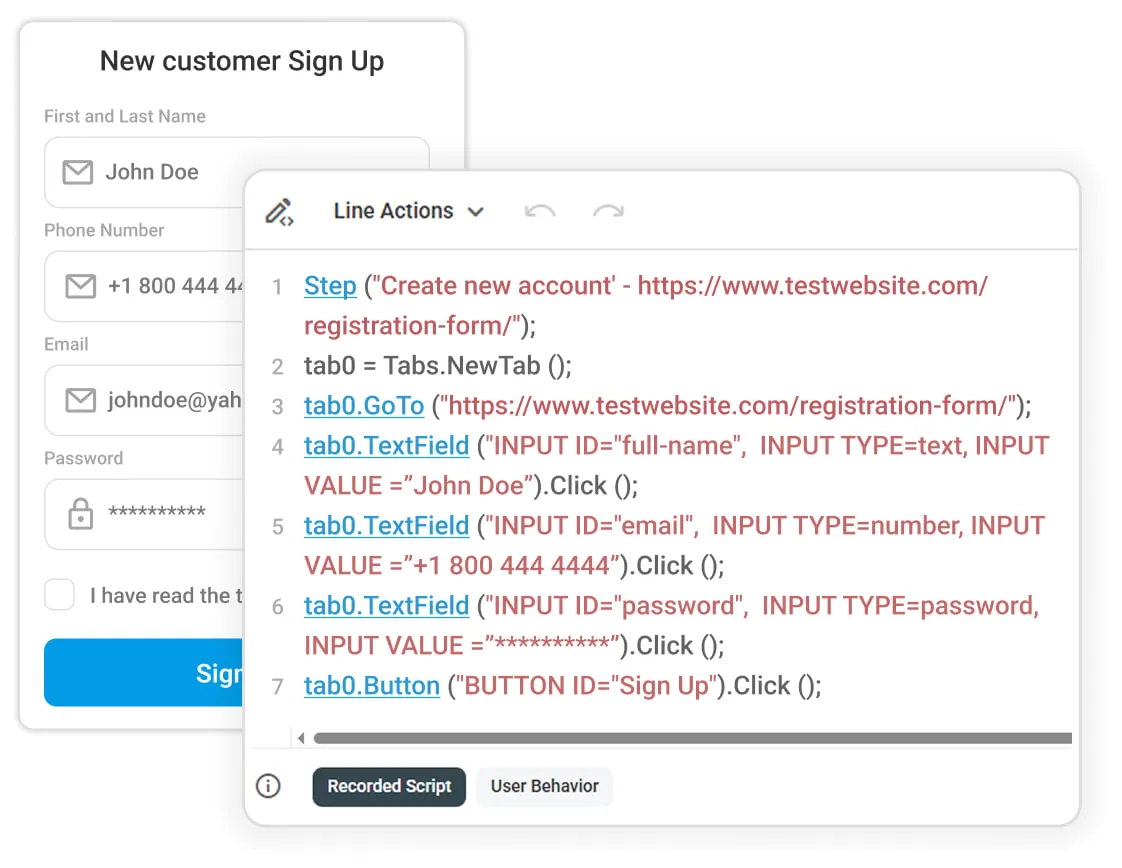
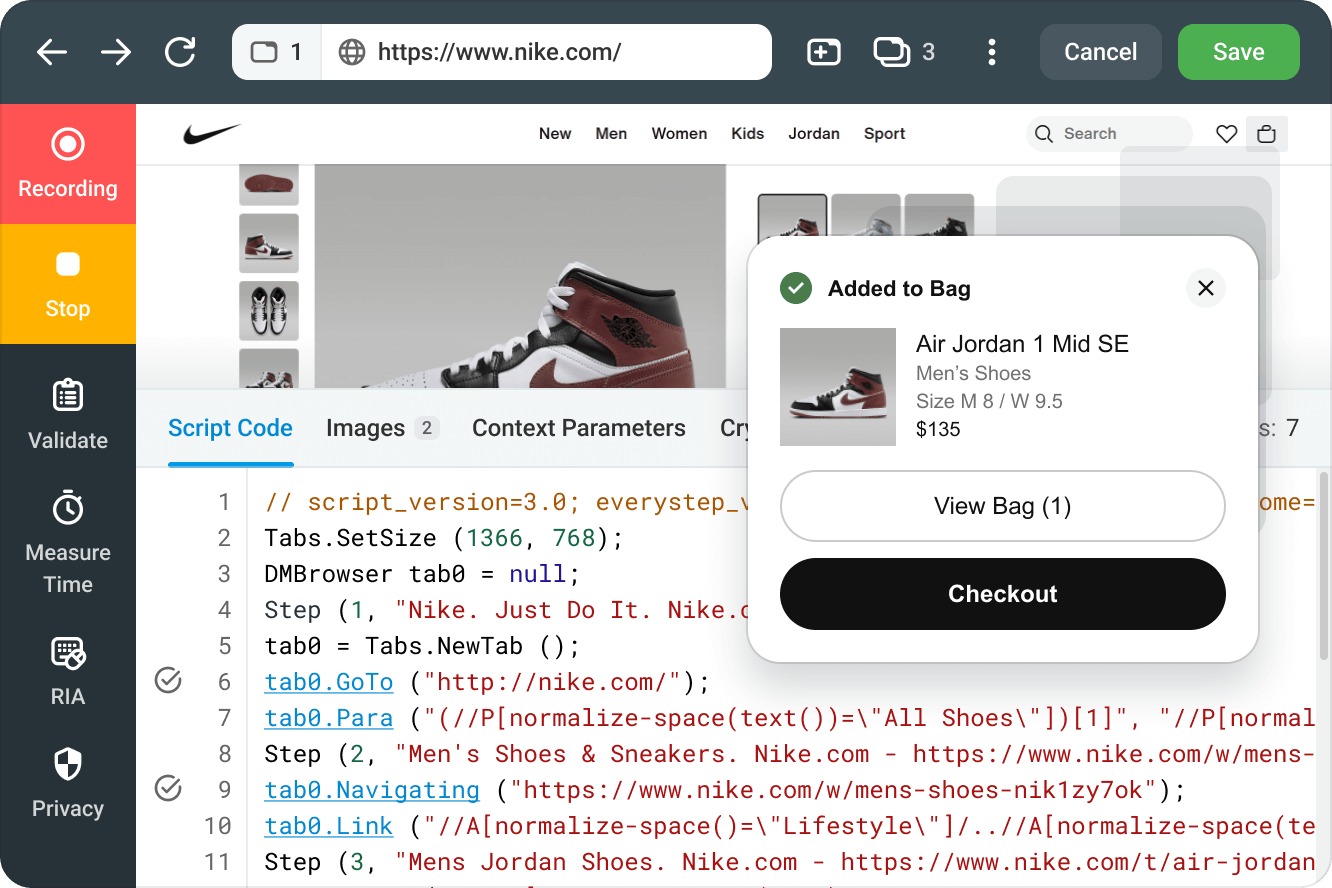
A webpage displays a customer sign-up form on the left and a code window showing browser automation steps in the center.

提供无摩擦的客户登录与注册

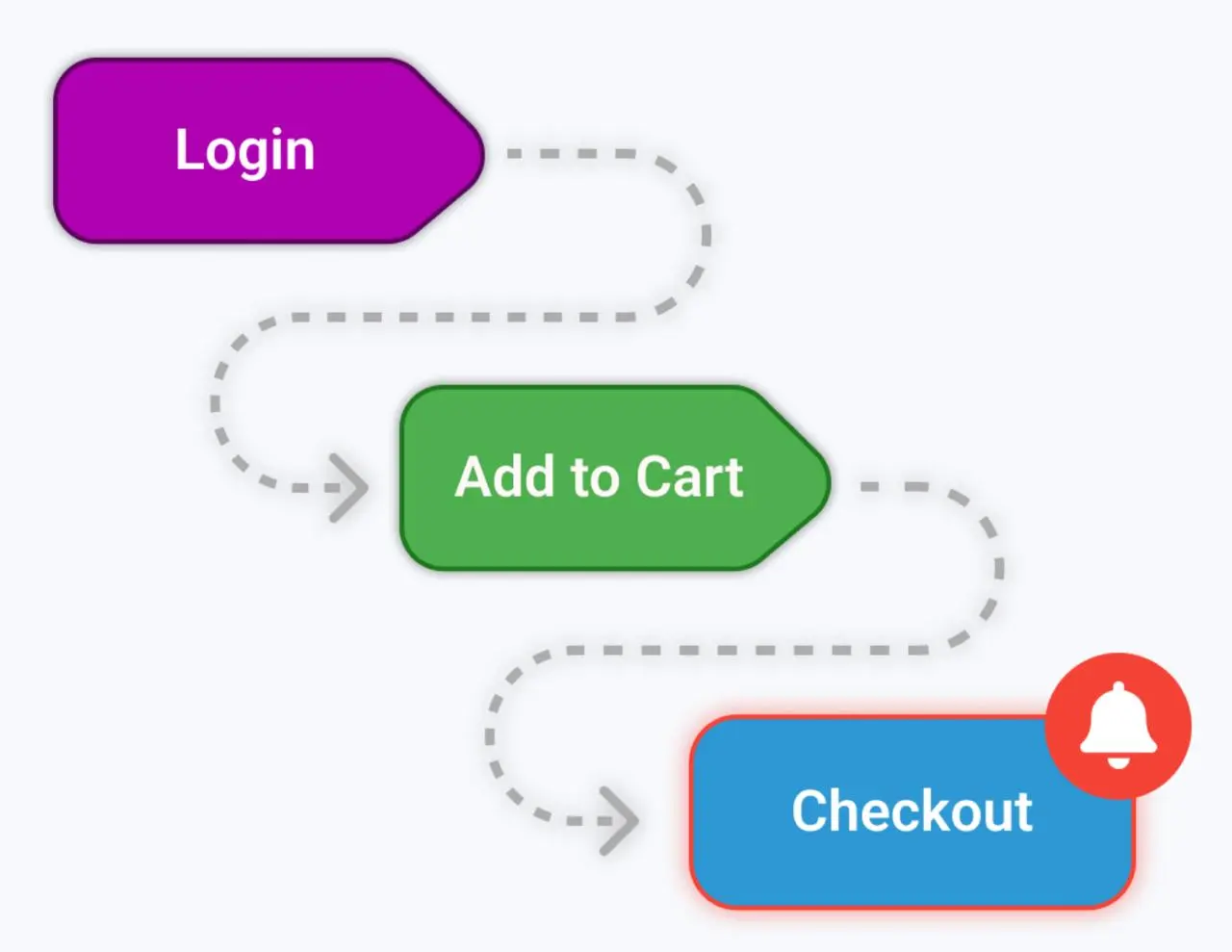
保持每个购物车流畅且无错误

A flowchart shows three steps: a purple Login button, a green Add to Cart button, and a blue Checkout button with a red bell icon. Dotted arrows indicate frictionless flow of the checkout process.
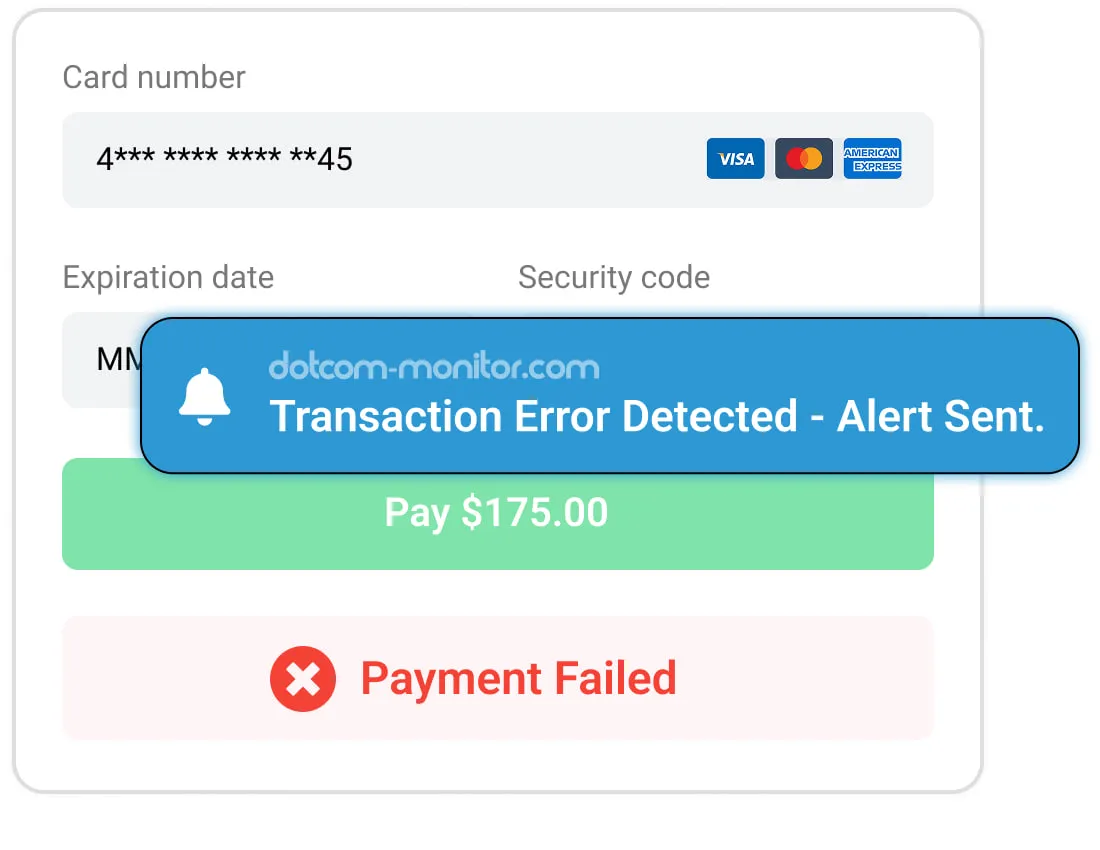
A payment form displays a Payment Failed button and a pop-up alert reading Transaction Error Detected - Alert Sent, indicating an unsuccessful checkout attempt.

保证快速、可靠且安全的结账流程

立即开始使用 Dotcom-Monitor 的电商监控

主动监控登录、购物车和结账流程,以防止收入损失并最大化用户满意度。今天就开始您的 30 天免费试用 — 无需信用卡。

确保电商商店性能的关键功能

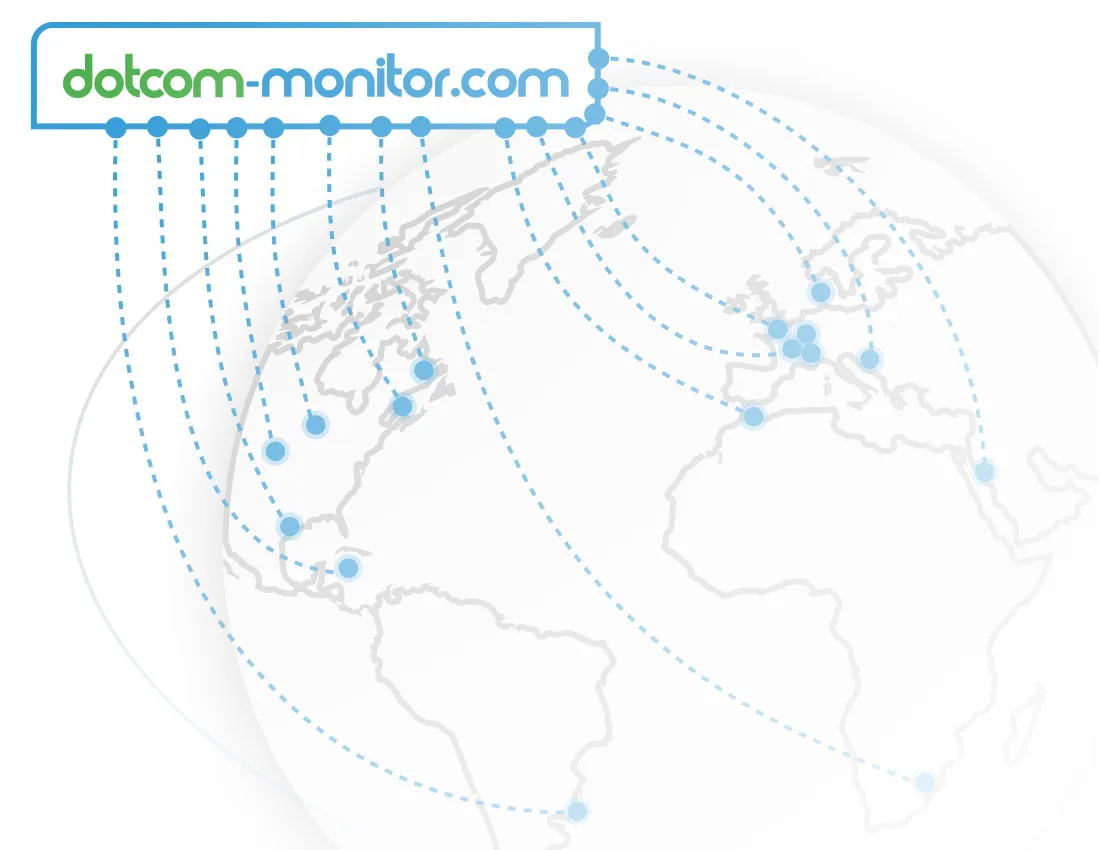
A diagram of a world map with dotted lines connecting locations and a Dotcom-Monitor logo, illustrating the global reach of Dotcom-Monitor’s advanced monitoring network.

高级监控网络

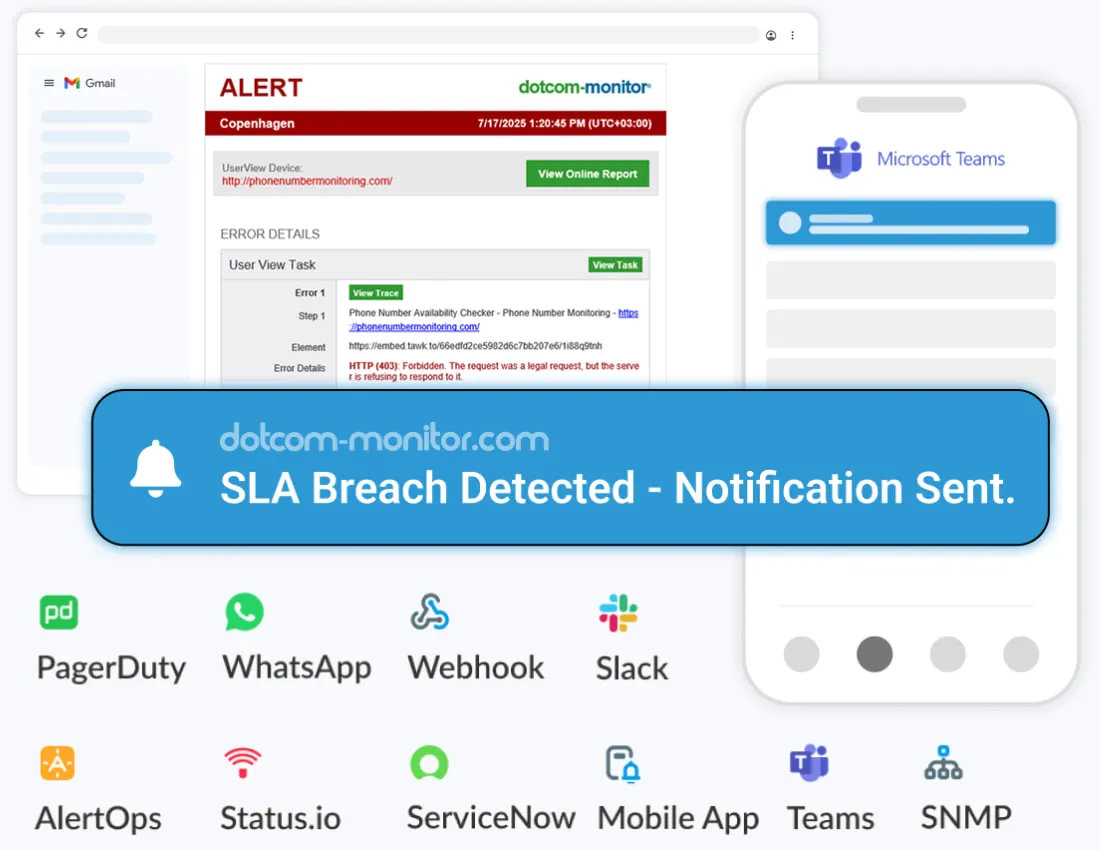
用于最大可用性的即时警报

A dashboard shows an alert for an SLA breach. Key features listed include real-time alerts, monitoring through various channels (PagerDuty, WhatsApp, Slack), and proactive, seamless incident response.
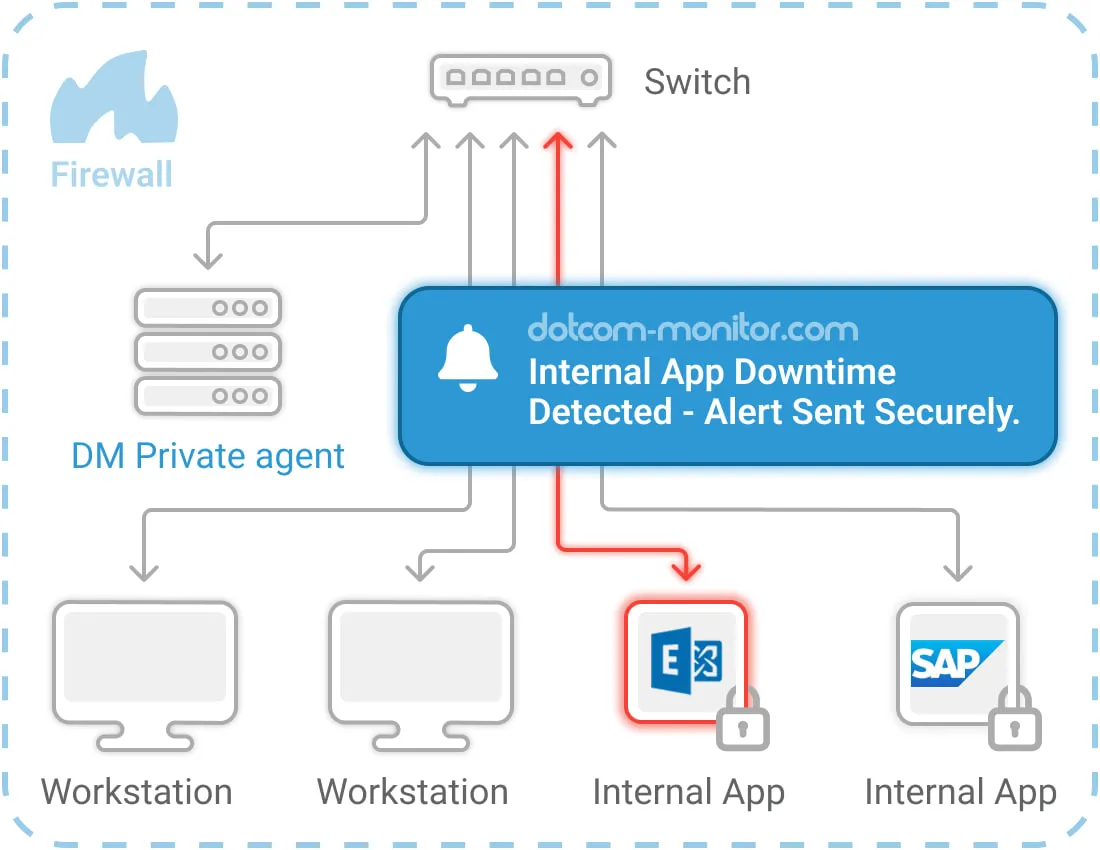
Diagram showing a private agent behind a firewall monitoring internal apps and workstations, sending a downtime alert securely to the user.

安全环境的私有代理

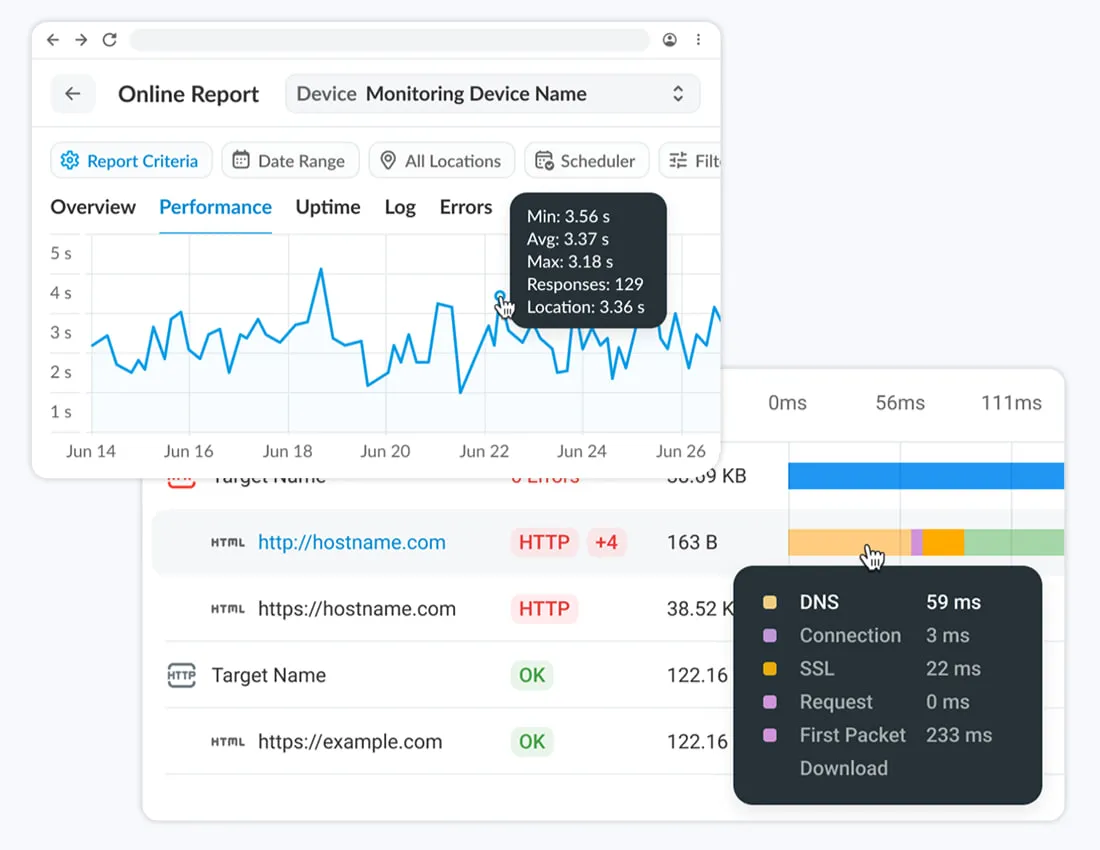
自定义指标与详细性能报告

Ecommerce monitoring application shows a performance reporting dashboard with graphs and tables
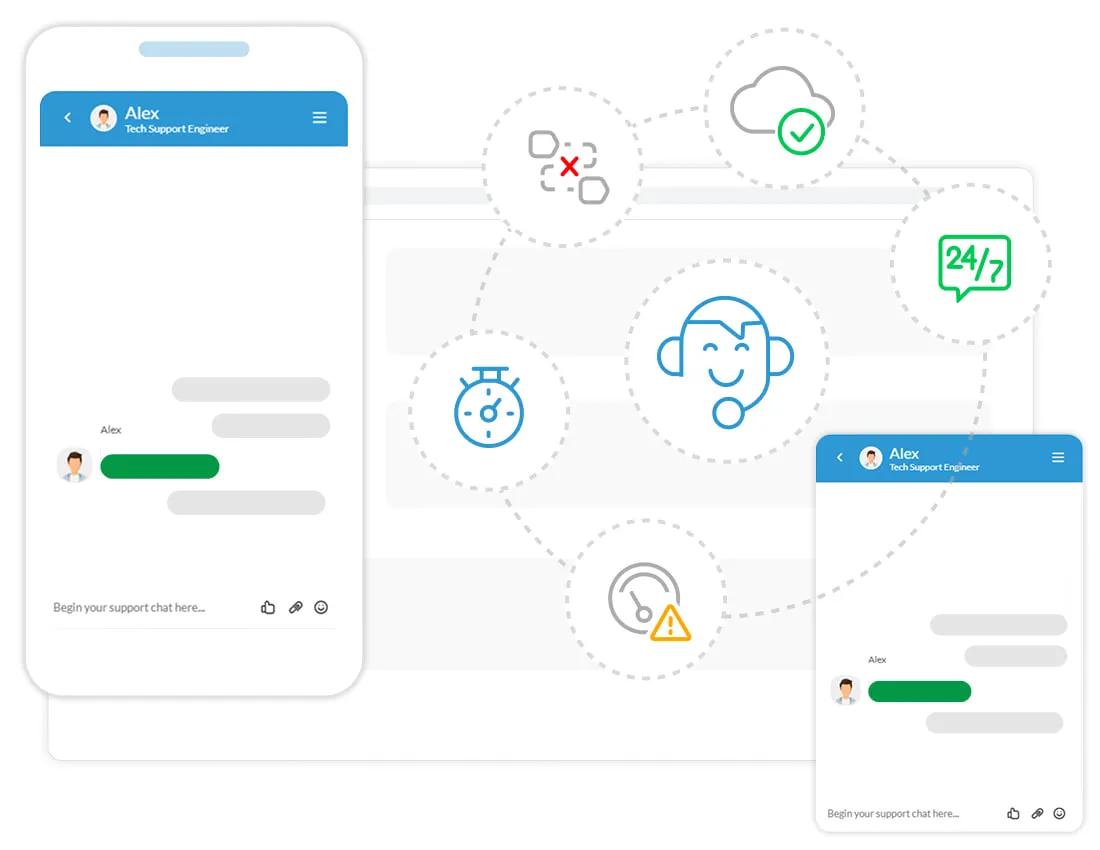
A graphic showing chat windows and tech icons, illustrating 24/7 expert support from Dotcom-Monitor.

全天候 24/7 专家支持

为什么选择 Dotcom-Monitor 的电商监控?

经验证的性能

全球电商企业信赖,旨在确保可用性并优化商店性能。

全面监控

从购物旅程到内部订单工具,监控整个电商基础设施。

可自定义警报

根据商店需求设置阈值与规则,聚焦最关键的区域。

可执行的洞察

接收详细报告与洞察,让您始终清楚应在哪些方面提升性能。
观看演示

如何设置您的电商应用监控?

立即开始监控您的电商商店

不要等到问题影响您的业务。Dotcom-Monitor 帮助您提前应对问题,确保您的电商商店始终保持最佳表现。
获取答案

常见问题解答 (FAQ)

电子商务监控涉及跟踪和分析您的网店的各个方面,例如网站性能、用户交互和交易流程。使用像 Dotcom-Monitor 这样的工具,您可以主动识别并解决问题,确保无缝的购物体验并维持高转化率。
Dotcom-Monitor 使用 BrowserView 合成监控在真实浏览器中模拟真实用户交互。这种方法允许从多个全球地点持续测试登录、购物车和结账工作流,检测例如支付网关超时、重定向失败或加载缓慢等问题。
是的:通过使用 EveryStep Web Recorder,Dotcom-Monitor 跟踪购物车中的每次交互,包括添加、移除和更新商品。这有助于识别可能破坏购物体验的 JavaScript 错误、延迟问题和内容差异,从而降低购物车放弃率。
Dotcom-Monitor 在电子商务交易脚本中一旦检测到第一个错误便发送实时警报,覆盖 HTTP 故障、支付网关问题和内容验证错误。警报包括 HTML 快照、视频回放和瀑布图,帮助您的团队快速定位并修复问题。

绝对可以。Dotcom-Monitor 的私有代理可以在防火墙或私有网络内安全地模拟用户交互,在真实浏览器中验证布局、内容和功能。这可确保支持您在线商店的内部工具保持可靠,保护运营和敏感数据,同时维持顺畅的订单履行和客户服务。

Dotcom-Monitor 提供经过验证的性能、全面的监控、可定制的警报和可操作的洞察。受到全球企业信赖,它能确保可用性并优化网站性能——从外部用户路径到面向员工的内部工具——帮助您领先发现问题,确保网店始终保持最佳表现。

免费试用 30 天

开始监控您的网店性能