
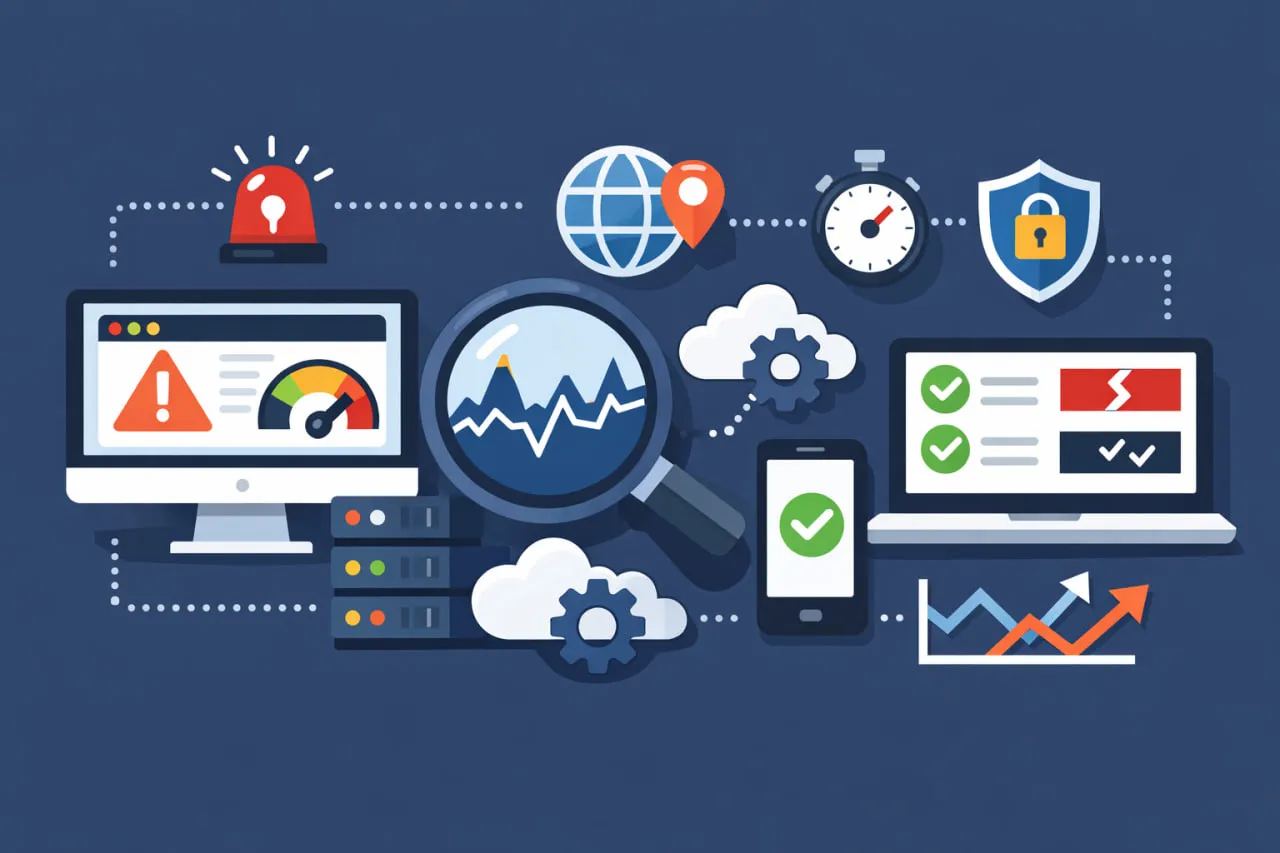
 Selecting the right website monitoring solution is a critical business decision that directly impacts your operational resilience, customer satisfaction, and bottom line. Downtime, slow load times, or broken user journeys can lead to lost revenue, damaged brand trust, and poor search engine rankings. That’s why website monitoring is no longer optional, it’s a strategic necessity.
With countless vendors promising to be the ultimate web monitoring solution, how do you cut through the noise and find the perfect fit for your organization’s unique needs?
This strategic guide will walk you through the key considerations, features, performance, reliability, scalability, and decision-making frameworks needed to choose the right monitoring solution. You’ll learn how to evaluate platforms that go beyond basic uptime checks, including tools for API monitoring, so you can invest in a system that not only alerts you to problems, but becomes a cornerstone of your long-term digital strategy.
What Is Website Monitoring?
Website monitoring (also called web monitoring or monitoring websites) is the continuous process of tracking a website’s availability, performance, functionality, and user experience. It helps organizations detect issues before users are affected and ensures digital services remain fast, reliable, and accessible.
Modern monitoring tools go beyond simple uptime checks. They provide real-time alerts, performance analytics, and detailed insights into how users experience your site across different locations, devices, and browsers.
Why Website Monitoring Is Critical for Businesses
Monitoring websites is no longer a simple “set and forget” IT task. The right tool transforms raw data into actionable intelligence, helping you:
- Prevent revenue loss from downtime
- Protect brand reputation
- Improve customer experience
- Optimize IT and development workflows
- Make data-driven infrastructure decisions
A poorly chosen tool, however, can lead to alert fatigue, missed critical incidents, wasted resources, and a false sense of security.
Take Control of Your Website Monitoring
Ensure uptime, performance, and flawless user journeys with advanced website monitoring powered by synthetic monitoring. Detect issues before users do and protect your digital experience.
Explore Website Monitoring Features
Key Factors to Consider When Choosing a Website Monitoring Tool
Define Your Monitoring Objectives
Before comparing vendors, clarify what you need to monitor:
- Basic Availability: Is the site up or down?
- Performance Metrics: Page load times, API response rates
- Business Transactions: Login sequences, checkout processes, form submissions
- User Experience: Real user monitoring (RUM), single-page app performance
- Infrastructure: Servers, databases, network protocols, SSL certificates
- Competitive Intelligence: Competitor site performance and availability
Essential Technical Capabilities to Require
Monitoring Frequency & Locations:
- Can you set check intervals from 30 seconds to 30 minutes?
- Are monitoring nodes geographically distributed where your users are?
- Do they offer private monitoring locations behind your firewall?
Protocol & Technology Support:
- Basic HTTP/HTTPS checks
- Advanced protocols (DNS, SMTP, FTP, VoIP, TCP)
- Single-page application (SPA) and web component support
- API and WebSocket monitoring
- Mobile application monitoring capabilities
Alerting & Notification Sophistication:
- Multi-channel alerts (SMS, email, Slack, Teams, PagerDuty)
- Configurable alert thresholds and conditions
- Intelligent alert grouping and deduplication
- Escalation policies for unacknowledged incidents
- Maintenance windows and scheduled downtime
Usability and Implementation Factors
Dashboard & Visualization:
- Intuitive, customizable dashboards
- Real-time status boards and historical reporting
- Root-cause analysis features
- Role-based access control
Integration Ecosystem:
- Native integrations with popular DevOps tools
- Webhook support for custom workflows
- REST API for data extraction and automation
- Compatibility with your existing ticketing systems
Implementation & Support:
- Time-to-value: How quickly can you be fully operational?
- Quality of documentation and knowledge base
- Responsiveness and expertise of support teams
- Availability of professional services for complex setups
Uptime and Availability Monitoring
At a minimum, your tool should continuously check if your website is online and reachable. Look for:
- High-frequency uptime checks
- Global monitoring locations
- Accurate downtime detection with minimal false alerts
Reliable uptime monitoring ensures your team is notified the moment your site becomes unavailable.
Website Performance Monitoring
Performance issues can be just as damaging as downtime. A strong web monitoring tool should measure:
- Page load times
- Server response times
- Core Web Vitals (LCP, INP, CLS)
- Performance by geography and device
These insights help identify bottlenecks affecting both users and search rankings.
Real User vs. Synthetic Monitoring
The best monitoring website solutions combine both approaches:
- Synthetic monitoring simulates user interactions (logins, checkouts, and forms).
- Real User Monitoring (RUM) captures actual user behavior and experience.
Using both provides full visibility into expected performance and real-world usage.
Alerting and Incident Response
Fast alerts are critical for minimizing impact. Ensure the tool offers:
- Customizable alert thresholds
- Multiple notification channels (email, SMS, Slack, webhooks)
- Escalation rules for critical issues
Alerts should be actionable, not noisy.
Scalability and Ease of Use
As your business grows, your monitoring needs will expand. Choose a solution that:
- Supports multiple websites and applications
- Scales without performance degradation
- Offers intuitive dashboards and reporting
A user-friendly interface reduces onboarding time and improves adoption across teams.
Reporting and Analytics
Data is only valuable if it leads to insights. Look for:
- Historical performance trends
- SLA and uptime reports
- Custom dashboards for stakeholders
Clear reporting helps align IT performance with business goals.
Security and Compliance Considerations
If you monitor authenticated or sensitive workflows, your tool should support:
- Secure credential handling
- Encrypted data transmission
- Compliance with industry standards
Security is a critical but often overlooked part of web monitoring.
Looking for a Reliable Website Monitoring Service?
Learn how a comprehensive website monitoring service helps you track performance changes, detect issues early, and deliver a consistently fast, reliable website.
Read the Website Monitoring Service Guide
The Total Cost of Ownership Analysis
When evaluating web monitoring tools, look beyond the per-check pricing:
- Licensing Model: Per-check, per-user, tiered plans, or custom enterprise pricing?
- Implementation Costs: Internal man-hours required for setup and configuration
- Training Costs: Getting your team proficient with the tool
- Integration Costs: Effort to connect with existing systems
- Scalability Premiums: How costs increase as your digital footprint grows
A slightly more expensive tool that saves dozens of hours per month in incident investigation and false alarm management often provides far better ROI.
Common Pitfalls to Avoid
- Over-monitoring: Starting with too many checks creates noise.
- Ignoring Internal Expertise: Choosing a tool too complex for your team
- Vendor Lock-in Fears: Ensuring data portability and exit strategies
- Forgetting Mobile: Neglecting mobile user experience monitoring
- Security Oversight: Ensuring the monitoring tool itself doesn’t create vulnerabilities
Matching Website Monitoring Tools to Your Business Needs
Different organizations have different requirements:
- Small businesses may prioritize affordability and basic uptime monitoring.
- E-commerce companies need transaction monitoring and performance alerts.
- Enterprises require advanced analytics, SLAs, and global coverage.
The best website monitoring tool is the one that aligns with your technical complexity, traffic volume, and business objectives. For many organizations, this alignment starts with foundational security; evaluating the Best DNS Monitoring Tools ensures that your infrastructure can handle high traffic volumes while maintaining the resolution speed necessary for a global audience.
Making Your Final Decision
Choosing the best website monitoring tool ultimately comes down to alignment. Does the solution align with your technical requirements, team capabilities, business objectives, and budget constraints? The most expensive tool isn’t necessarily the best, nor is the simplest always sufficient.
The right monitoring investment should feel like adding a skilled, vigilant team member who works 24/7/365—providing not just alerts, but insights, not just data, but understanding, not just identification of problems, but pathways to solutions.
Remember that your needs will evolve. Select a partner that can scale with you, adapt to new technologies, and grow into a strategic component of your digital operations. The goal isn’t just to know when something breaks, but to understand your digital experience so thoroughly that breaks become increasingly rare, and when they do occur, you’re equipped to respond with confidence and precision.
Start Monitoring Your Website for Free
Experience real-time monitoring, performance insights, and instant alerts with Dotcom-Monitor. No credit card required—get full visibility today.
Frequently Asked Questions
The ideal number and placement of monitoring locations depend entirely on your user distribution and business priorities:
Minimum Viable Setup:
- 3-5 strategic locations covering your primary markets
- A mix of cloud providers (AWS, Azure, Google Cloud) for perspective diversity
- At least one location from a major internet backbone provider
Strategic Considerations:
- Follow Your Users: Place monitors in regions where ≥80% of your traffic originates.
- Critical Business Paths: Ensure monitoring from locations where key partners or APIs reside
- Performance Baselines: Include locations with historically problematic connectivity
- Competitive Regions: Monitor areas where competitors are strong.
Advanced Strategy:
For global businesses, consider 10-20 locations with a mix of:
- Last-mile networks (simulating residential users)
- Major internet exchanges
- Mobile carrier gateways
- Locations behind common corporate firewalls
Remember: More locations increase cost and data complexity. Start with your critical user bases and expand based on data showing geographic performance variations.
Monitoring authenticated areas and multi-step transactions requires careful planning but is crucial for complete visibility:
Authentication Approaches:
- Test Account Method: Create a dedicated test account with appropriate permissions
- Session Recording: Use tools that can record and replay login sequences.
- Token-Based Auth: Configure monitoring to handle OAuth, JWT, or API tokens
- IP Whitelisting: Add monitoring service IPs to your allow list if needed.
Complex Workflow Monitoring Best Practices:
Start with Critical Paths:
- Identify 3-5 most important user journeys (e.g., "guest checkout," "account creation")
- Map each step with potential failure points
- Set validation checks at each completion stage
Data Management:
- Use test data that's isolated from production databases
- Implement automatic cleanup of test transactions
- Regularly rotate credentials and test data
Advanced Techniques:
- Variable Extraction: Capture session tokens or CSRF tokens from responses
- Conditional Logic: Create "if-then" pathways for dynamic workflows
- Data-Driven Testing: Use CSV files to test with multiple data sets.
- Correlation: Link frontend performance with backend API calls
Security First: Always ensure your monitoring website's approach doesn't create vulnerabilities. Never use admin credentials, implement least-privilege access for test accounts, and regularly audit monitoring configurations.
