
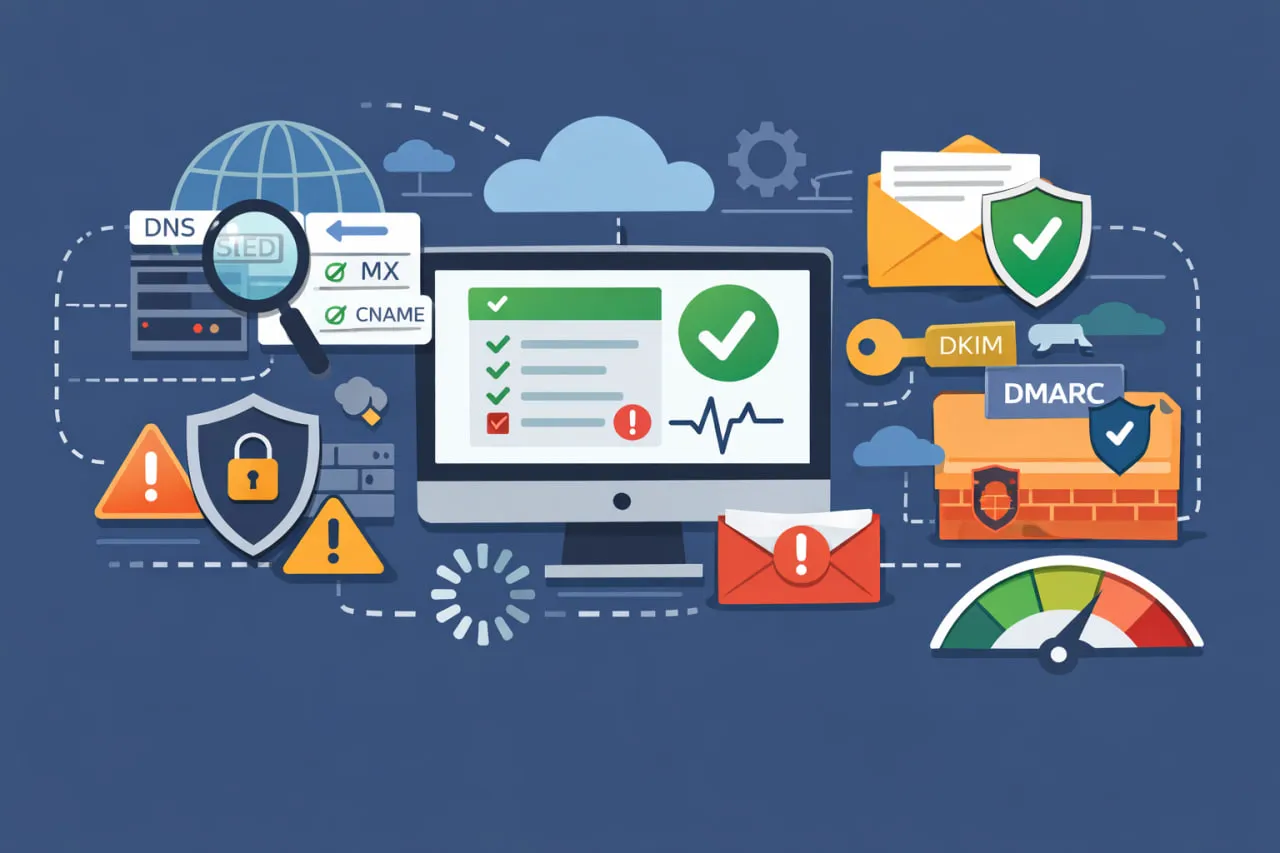
 Your domain is more than a URL- it’s the control plane for how people (and machines) reach your website, apps, and inbox. When something breaks at the domain layer, the symptoms look “random” (site intermittently down, emails bouncing, logins failing), but the root cause is often predictable: misconfigurations, weak authentication, or degraded DNS performance.
A domain health check is the fastest way to surface those issues before customers do. It validates the DNS and email plumbing that powers reachability, deliverability, and trust – then highlights what needs fixing so you can prevent outages, reduce risk, and protect your brand.
What is a domain health check?
A domain health check is a structured audit of your domain’s technical setup, primarily DNS and email-related records, to confirm the domain is:
- Resolvable (users and services can reliably find you)
- Correctly configured (records point where they should)
- Secure (authenticated, resistant to spoofing/hijacking)
- Performant (DNS lookups are fast and consistent)
- Reputable (email and domain reputation signals are healthy)
In practice, it inspects components like DNS records (A/AAAA, CNAME, MX, TXT, PTR), email authentication (SPF, DKIM, DMARC, BIMI), and deliverability factors (blacklists/blocklists, SMTP reachability) – often completing in minutes and producing a prioritized list of problems and opportunities.
Why domain health checks matter?
A retailer noticed a ~5% drop in conversions among visitors in Europe, even though the website servers and CDN looked healthy. A routine domain health check revealed the real culprit: slow DNS lookups from several European ISPs, caused by an authoritative DNS provider with weaker regional coverage and inconsistent response times. After moving DNS to a provider with a stronger European presence and tuning TTLs for key records, lookup latency stabilized and the conversion dip disappeared.
DNS issues are a direct business risk
DNS is a high-leverage dependency: if your DNS fails, everything downstream fails. Because DNS is a frequent target for cyberattacks, organizations often evaluate the Best DNS Monitoring Tools to provide 24/7 oversight and detect malicious record changes or resolution spikes in real-time.
A health check helps you spot weaknesses attackers exploit (misconfigurations, outdated records, insecure patterns) before they become an incident.
Email deliverability is fragile, and reputation is easy to damage
For any business that relies on email for sales, customer engagement, or transactional messaging, domain health is foundational to deliverability.
Even permission-based email doesn’t always land in the inbox. Validity’s deliverability benchmark reports that “1 in 6 legitimate” marketing emails isn’t delivered to inboxes.
A domain health check can reveal the technical reasons why: missing/incorrect SPF, DKIM failures, DMARC misalignment, or sending infrastructure problems.
“Connectivity” is still a top outage driver
Many outages blamed on “the network” are actually rooted in name resolution or DNS dependencies. Uptime Institute survey findings reported by Network World show 31% of respondents cited networking/connectivity as the most common cause of IT service-related outages.
DNS is one of the first places to look when availability feels inconsistent.
What a domain health check reveals?
Think of the output as a diagnostic report across five domains:
DNS resolution and routing correctness
A SaaS team spent hours chasing an “intermittent outage” that only affected some users. The app was up, logs were clean, and infrastructure metrics looked normal. The domain health check surfaced the issue in minutes: a conflicting DNS setup (a legacy A record still present alongside a newer CNAME) causing different resolvers to route traffic differently. Removing the stale record and standardizing TTLs eliminated the “random” failures.
What it reveals?
- Wrong or missing A/AAAA/CNAME records
- Broken subdomains
- Mispointed services (website/app/CDN)
- Conflicting records (e.g., CNAME + A on the same name)
- TTL settings that are too high (slow recovery) or too low (unnecessary load)
Why it matters?
If users can’t resolve your domain quickly and consistently, you’ll see downtime symptoms without obvious server errors.
What to do?
- Validate core records for all critical hostnames (root, www, app subdomains, API, auth)
- Standardize TTLs (shorter for records likely to change; longer for stable ones)
- Remove stale records to reduce confusion and attack surface
Email authentication integrity (SPF, DKIM, DMARC, BIMI)
After adding a new marketing platform, a company’s campaigns started landing in spam and some transactional emails began bouncing. The domain health check showed why: multiple SPF records plus a chain of includes that pushed SPF over the DNS lookup limit, and a DKIM selector that wasn’t consistently signing. Consolidating SPF into a single record, fixing DKIM signing, and moving DMARC from p=none to staged enforcement restored inbox placement and reduced spoofing risk.
What it reveals?
- SPF missing, too permissive, or broken (multiple SPF TXT records, >10 DNS lookups, hard fails)
- DKIM not published, wrong selector, or signature failures
- DMARC missing or set to p=none indefinitely (no enforcement)
- BIMI missing or invalid (brand display opportunity + trust signals)
Why it matters?
Authentication is how mailbox providers decide whether “you” are actually you. If SPF/DKIM/DMARC are wrong, you’ll suffer:
- Lower inbox placement
- Higher phishing/spoofing risk
- Reduced brand trust
What to do?
- Consolidate all senders (CRM, marketing platform, support desk, transactional provider)-
- Implement SPF + DKIM for each sender
- Roll out DMARC in phases: none → quarantine → reject with monitoring
- Add BIMI once DMARC enforcement is stable (where supported)
Deliverability and blacklist/blocklist exposure
What it reveals?
- Domain/IP presence on common blocklists
- SMTP reachability issues that cause silent failures or bounces
- “Reputation drift” (rising spam placement, falling engagement, higher bounce)
Why it matters?
Once you’re listed, it can take days/weeks to recover and campaigns sent during the problem window often underperform permanently.
What to do?
- Monitor blacklists continuously (don’t just check when something breaks)
- Fix root causes (list hygiene, consent, bounce control, sending volume spikes)
- Validate SMTP configuration and ensure consistent authentication alignment
Reality check: there are hundreds of lists and policies in play; even a tool that checks 200+ blacklists is still a partial view – but it’s far better than flying blind.
Availability, resilience, and “blast radius”
What it reveals?
- Single points of failure in DNS hosting (e.g., one nameserver, one provider, poor redundancy)
- Lack of monitoring/alerts for authoritative DNS issues
- Missing failover patterns for critical services
Why it matters?
A small DNS mistake can become a total outage if your setup has no resilience.
What to do?
- Use a DNS provider with a resilient global network and strong uptime posture
- Implement monitoring (DNS checks + service health checks)
- Consider DNS failover strategies for critical endpoints where appropriate
Performance signals (latency, inconsistency, anomalies)
What it reveals?
- Slow DNS lookup times in key geographies
- Intermittent resolution failures that correlate with regions/ISPs
- Anomalous query patterns that can indicate abuse or misconfiguration
Why it matters?
DNS performance impacts real-user performance. Every extra lookup delay hits conversions, SEO crawl efficiency (indirectly), and app reliability.
What to do?
- Benchmark DNS response times (multiple regions)
- Remove unnecessary indirection (extra CNAME hops)
- Use DNS analytics to spot spikes, unusual sources, and record-level usage trends
Domain scanner vs. domain health check: what’s the difference?
A domain scanner is the tool that runs automated checks (records, authentication, basic configuration). A domain health check is the broader process: scanner output + interpretation + remediation plan.
Good scanners typically check:
- SPF, DKIM, DMARC, BIMI presence and validity
- DNS record correctness and conflicts
- Mail routing via MX validation
- Blacklist exposure signals
A practical domain health check checklist
Use the checklist below to quickly spot DNS and email issues that can cause downtime, deliverability drops, or security gaps. It’s copy/paste-friendly and ideal for onboarding new domains, planning DNS changes, migrating hosts, or switching email providers.
This checklist helps you confirm the essentials – nameservers, A/AAAA records, CNAMEs, MX routing, and email authentication (SPF/DKIM/DMARC) – so you can catch common misconfigurations before they impact traffic or inbox placement. It’s also a good quick-audit to run after launches, rebrands, or vendor handoffs to ensure everything is pointing where it should and nothing critical is missing.
Get Your Domain Health Check Checklist
Enter your email to download the checklist and keep it handy for every domain you manage.
How often should you run a domain health check?
A good rule is to automate this process with DNS Monitoring. Manual spot-checks are useful, but only continuous, external monitoring like the DNS and web service monitoring provided by Dotcom-Monitor can catch transient issues and configuration drift before they impact users.
If you’ve ever been surprised by deliverability drops or “random” downtime, the issue usually isn’t effort – it’s visibility. DNS and email problems can appear between audits, and even a single unexpected change (nameservers, MX, SPF, DKIM, DMARC, SSL) can impact traffic or inbox placement.
The most practical approach is:
- Always-on monitoring (recommended): set up a monitoring tool to track DNS, website uptime, SSL expiration, and email authentication. Configure alerts so you’re notified the moment something changes or fails—before customers notice.
- Weekly review: spend 5 minutes scanning the monitoring dashboard and alerts to confirm everything is stable and investigate anomalies.
- Monthly maintenance: do a short “cleanup” pass—remove stale records, confirm vendors in SPF, verify DKIM selectors in use, and check DMARC reporting trends.
- Extra checks after changes: whenever you migrate providers or edit DNS, monitoring validates the change automatically and flags propagation issues or misconfigurations.
This approach shifts domain health management from a reactive to a proactive discipline. Rather than discovering problems through lost emails or downtime, you’ll catch them early through alerts – and fix them while the impact is still small.
